DIY
do it yourself
tips and tricks
balancetips, ceilingfan, ceilingfanrepair, cointrick, diyhome, diytutorial, electronicsfix, fanbalance, fanhacks, fanrepair, fanwobble, fixityourself, handymantips, HomeMaintenance, homeprojects, hometips, malaysianhome, noisemakerfix, quietfan, roomcomfort
9M2PJU
0 Comments
How to Balance a Ceiling Fan Using a Coin: Quick, Simple DIY Fix
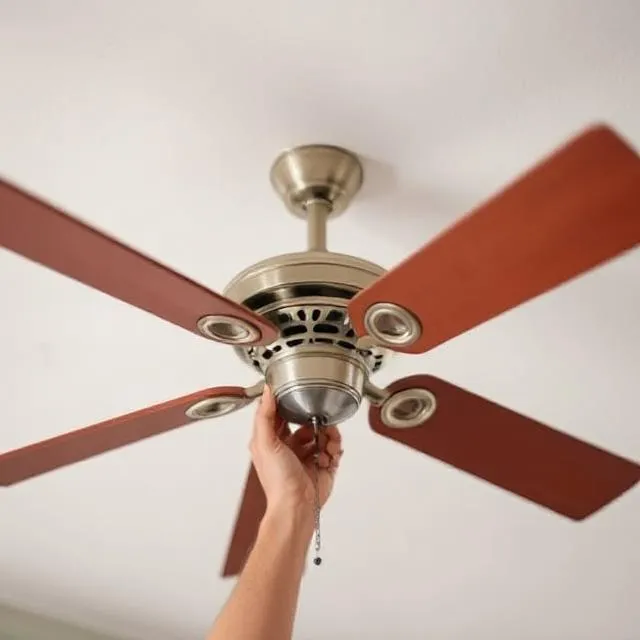
Is your ceiling fan wobbling, humming, or making annoying noises while spinning? Before calling in a technician or replacing it, try this simple DIY hack using just a coin. Balancing a ceiling fan not only eliminates the wobble and noise — it also helps your fan run smoother, last longer, and operate more quietly.
In this post, you’ll learn why ceiling fans go out of balance, how to diagnose the issue, and how to balance your fan using a coin (no fancy kits required).
❓ Why Do Ceiling Fans Wobble?
Over time, fans can become unbalanced due to:
- Uneven dust build-up on blades
- Slight warping of blades
- Loose screws or mounting brackets
- Manufacturing imperfections
Even a few grams of imbalance between blades can lead to vibrations, noise, or a “wobble” that gets worse at higher speeds.
🧭 How Balancing Works
Balancing a fan means ensuring all blades exert equal force as they spin, keeping the rotation axis centered. We usually do this by:
- Identifying the “heavy” or “light” blade
- Adding a small counterweight to one of the blades (the coin)
What You Need
- A coin (start with a 5 sen, 10 sen, or 1 sen coin depending on fan size)
- Double-sided tape or strong adhesive
- A step ladder
- Optional: screwdriver (to tighten loose screws)
🧰 Step-by-Step: Balance a Ceiling Fan Using a Coin
Step 1: Turn off and Clean the Fan
Safety first — switch off the fan completely. Use a damp cloth to clean the blades. Dust adds weight and may cause imbalance.
Step 2: Tighten Everything
Use a screwdriver to make sure:
- All blade screws are tight
- The motor housing and mounting bracket are secure to the ceiling
Step 3: Test the Wobble
Turn the fan on and observe:
- Does it wobble at low, medium, or high speed?
- Does it make a “humming” or “thudding” sound?
You’ll use this observation to test improvements later.
Step 4: Use the Coin as a Weight
Pick a blade and tape a coin about halfway from the center to the tip on the top side of the blade using double-sided tape.
📍 Start in the middle of the blade — this is usually the sweet spot.
Step 5: Test Again
Turn the fan on and observe:
- If the wobble gets worse, remove the coin and try the next blade
- If the wobble gets better, try slightly moving the coin inward or outward along the blade
- If it disappears — congrats, you found the spot!
Repeat the process until you find the blade and coin position that neutralizes the wobble best.
Step 6: Secure the Coin
Once you find the best position, use stronger adhesive (like superglue or strong double-sided tape) to make it permanent.
You can also use:
- Small washers
- Adhesive lead weights
- A blade balancing kit (available online)
🎯 Final Tips
- This works best with plastic or wooden blade fans, including most household models.
- If a single coin doesn’t help enough, try adding a second small coin or using a heavier one (like a 20 sen coin).
- Still wobbling? Your fan may have a bent blade, motor shaft issue, or be mounted incorrectly.
💤 Sleep Peacefully Again
A balanced fan is not just about comfort — it’s about safety, longevity, and peace of mind. With just a simple coin, you can eliminate the wobble and bring back quiet, smooth operation to your bedroom or living space.
If you’ve tried this method and it worked — or if you found an even better trick — share your story in the comments!







Post Comment