Choosing the Best Filesystem for Linux
When setting up a Linux system—whether it’s a personal laptop, home server, or enterprise-grade machine—you eventually face this deceptively simple question:
“Which filesystem should I use?”
And while most people just stick with whatever the distro gives them (usually ext4), the truth is… there are better options out there—depending on what you’re doing.
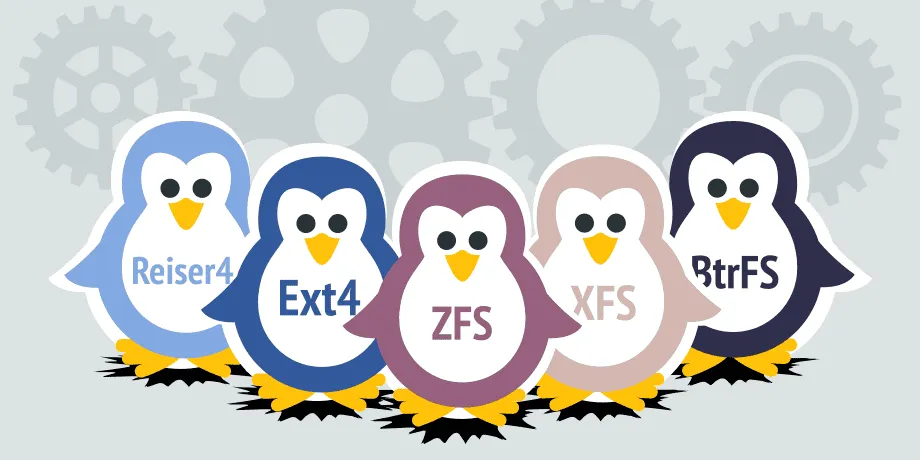
In this post, I’ll walk you through the four main contenders: ext4, Btrfs, XFS, and ZFS. Each one has strengths and quirks. Let’s make sense of them.
🧱 ext4 – The Reliable Classic
If you’re running Linux, there’s a 90% chance you’re already using ext4. It’s the default for most distributions, and for good reason:
- It’s fast.
- It’s stable.
- It just works.
But here’s the thing: ext4 doesn’t do fancy stuff like snapshots, compression, or self-healing. If you don’t need those features, then it’s still a fantastic choice.
Use it if:
You’re setting up a general-purpose desktop or server and want maximum compatibility and no surprises.
🧪 Btrfs – The Smart All-Rounder
Btrfs (pronounced “butter-fs” or “bee-tree-fs”, pick your poison) is a modern filesystem built with cool features like:
- Snapshots (think instant backups)
- Transparent compression
- Built-in RAID support
- Checksums for data integrity
It’s a bit like ZFS but more lightweight and integrated into the Linux kernel.
Use it if:
You want modern features, better data safety, and don’t mind a little learning curve.
📦 XFS – The Big File Specialist
XFS is a beast when it comes to large files and high-throughput storage. Originally developed by SGI, it’s now maintained by the Linux community and used heavily in environments like:
- Video editing
- Large-scale backups
- Databases with massive files
But it’s not great for small files or everyday desktop use.
Use it if:
You’re working with terabytes of video, raw photos, or large scientific datasets.
🛡️ ZFS – The Data Guardian
ZFS is legendary. It’s basically a combination of a volume manager and a filesystem. It gives you:
- Extreme data integrity (self-healing)
- Snapshots, cloning, deduplication
- Built-in RAID (no more mdadm!)
- Compression, encryption—you name it
Sounds amazing, right? It is. But you’ll need a decent amount of RAM (8 GB+ is ideal), and it’s not included in the Linux kernel for licensing reasons—so you’ll need to install it manually.
Use it if:
You’re running a serious NAS or server and want the best protection against data loss.
🧠 So… Which One Should You Use?
| Use Case | Best Filesystem |
|---|---|
| Everyday desktop | ext4 |
| Laptops or home NAS | Btrfs |
| Big file storage | XFS |
| Enterprise storage / NAS | ZFS |
✍️ Final Thoughts
The beauty of Linux is choice—but that also means doing a bit of homework. Fortunately, filesystems like ext4 and Btrfs make it hard to go wrong.
If you’re setting up a personal machine: ext4 is rock solid.
If you’re tinkering or want cool features: give Btrfs a go.
If you’re building a fortress for your data: ZFS is king.
Whichever route you take, just make sure to back up your data. Even the best filesystem won’t save you from rm -rf /




Post Comment