Armitage + Metasploit in Docker
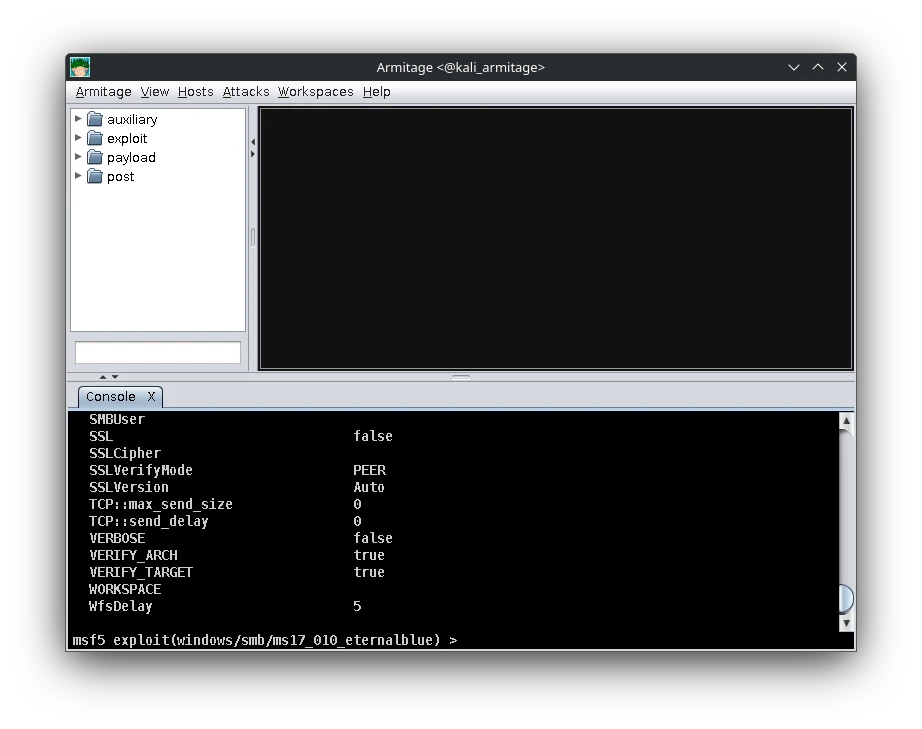
If you’re into penetration testing, you’ve probably used Metasploit — the Swiss Army knife of offensive security. Pair it with Armitage, and you get a powerful GUI front-end for visualizing exploits, managing sessions, and collaborating with your team.
But installing Armitage today is a mess. It’s outdated, full of dependencies, and prone to breaking.
So here’s the fix: Run Metasploit + Armitage in Docker, either with a one-liner or a full-blown Docker Compose setup — and make it work with X11 GUI even on modern distros like CachyOS.
⚙️ Tools Used
- 🐳 Docker
- 🧰 mirogula/kali_linux_metasploit_armitage
- 🖥️ X11 for GUI forwarding
- 🧪 Tested on CachyOS (Arch-based)
🚀 Quick Start with docker run
Run this if you want it fast:
✅ 1. Install xhost
sudo pacman -S xorg-xhost
✅ 2. Allow local Docker GUI access
xhost +local:docker
For fish shell:
set -x DISPLAY :0
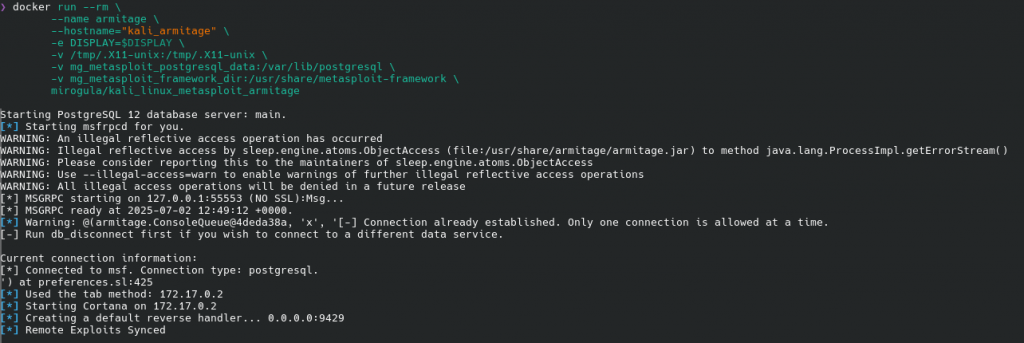
✅ 3. Run Armitage in Docker
docker run --rm \
  --name armitage \
  --hostname="kali_armitage" \
  -e DISPLAY=$DISPLAY \
  -v /tmp/.X11-unix:/tmp/.X11-unix \
  -v mg_metasploit_postgresql_data:/var/lib/postgresql \
  -v mg_metasploit_framework_dir:/usr/share/metasploit-framework \
  mirogula/kali_linux_metasploit_armitage
If everything is set up right, Armitage GUI will appear and connect to the bundled Metasploit framework + PostgreSQL.
🐳 Full Setup with Docker Compose (Recommended)
For a more reusable and clean lab, use this:
📄 docker-compose.yml
services:
  armitage:
    image: mirogula/kali_linux_metasploit_armitage
    container_name: armitage
    hostname: kali_armitage
    environment:
      - DISPLAY=${DISPLAY}
    volumes:
      - /tmp/.X11-unix:/tmp/.X11-unix
      - mg_metasploit_postgresql_data:/var/lib/postgresql
      - mg_metasploit_framework_dir:/usr/share/metasploit-framework
    network_mode: host
    restart: unless-stopped
    stdin_open: true
    tty: true

volumes:
  mg_metasploit_postgresql_data:
  mg_metasploit_framework_dir:
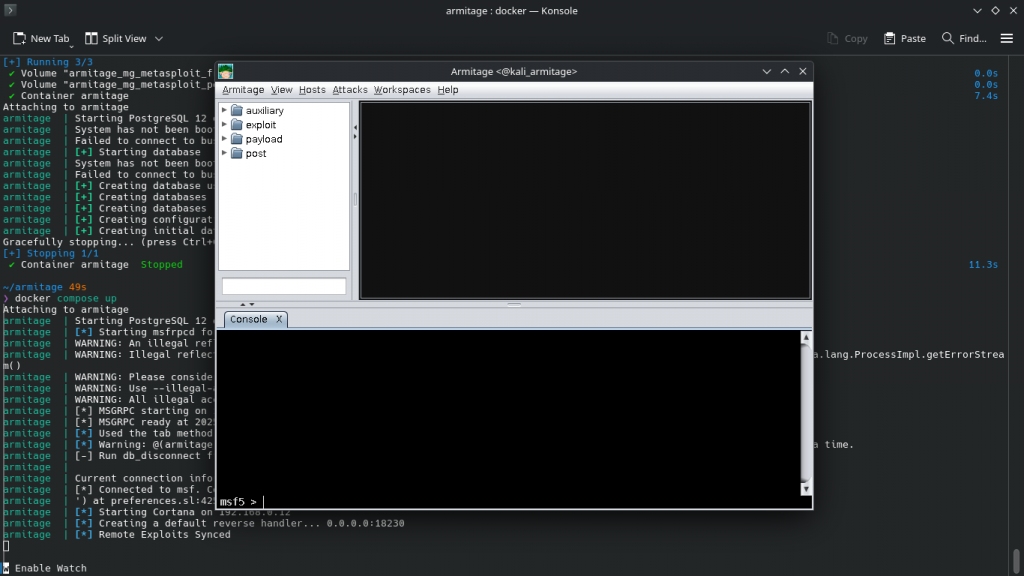
▶️ Launch:
xhost +local:docker
docker compose up -d
🛠️ Troubleshooting
❌ Can't connect to X11 window server using ':0'
Fix: You didn’t run xhost +local:docker, or $DISPLAY is not set.
xhost +local:docker
echo $DISPLAY  # should output :0
In fish shell:
set -x DISPLAY :0
✅ Test Your X11 Setup
Before launching Armitage, test with:
docker run --rm -e DISPLAY=$DISPLAY -v /tmp/.X11-unix:/tmp/.X11-unix archlinux xeyes
If xeyes appears, GUI forwarding works.
🧯 Reset the Lab
To delete everything and start fresh:
docker compose down -v
🧰 Volumes Used
| Volume Name | Mounted Inside Container |
|---|---|
mg_metasploit_postgresql_data | /var/lib/postgresql |
mg_metasploit_framework_dir | /usr/share/metasploit-framework |
These keep your sessions and configs between runs.
🧪 Tested on
- ✅ CachyOS (Arch-based)
- ✅ KDE Plasma (X11 session)
- ✅ Docker 25+





Post Comment