Deploying Tenable Nessus in Docker: Fast, Portable Vulnerability Scanning
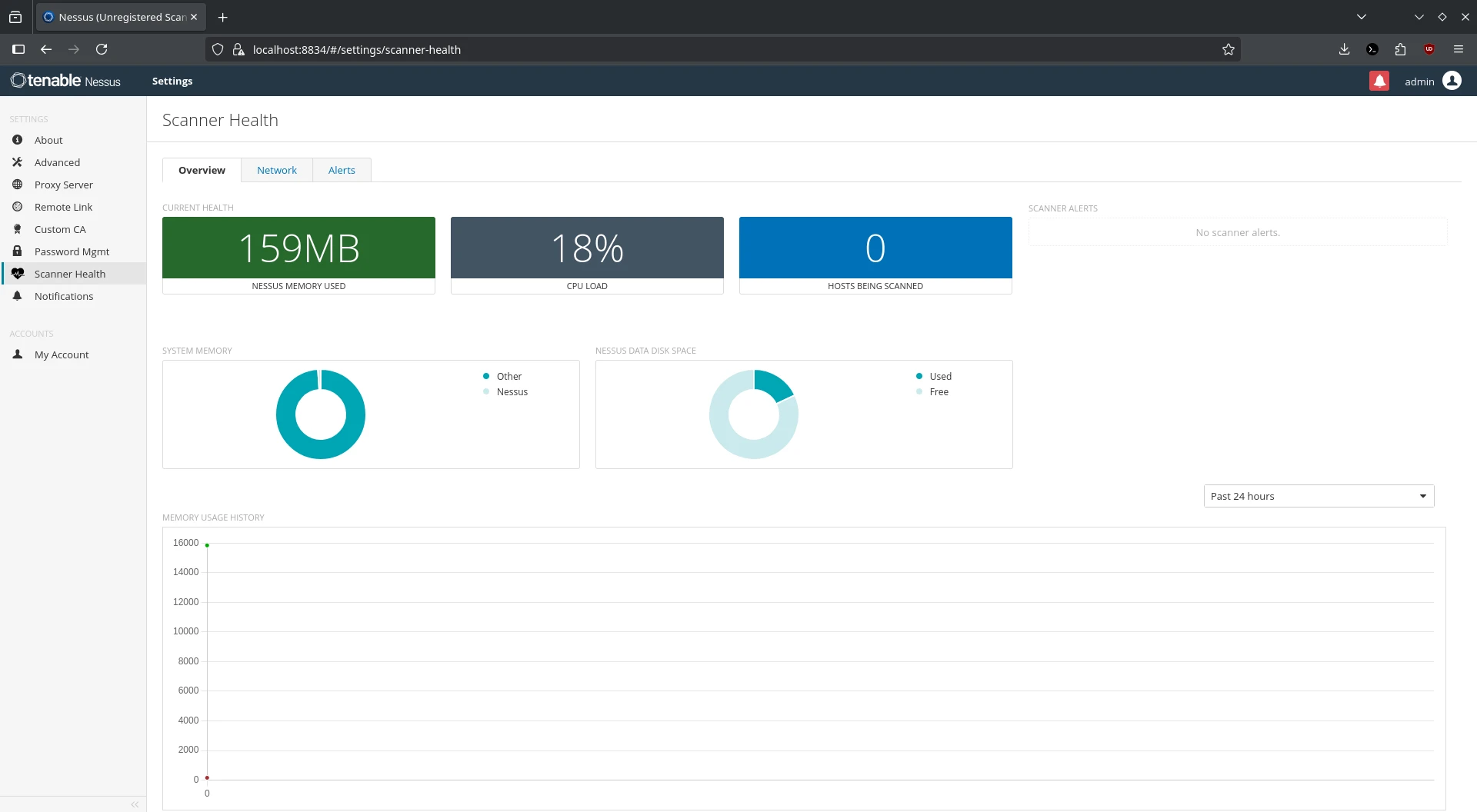
Tenable Nessus has long been a trusted tool in the cybersecurity world for identifying vulnerabilities, misconfigurations, and compliance issues. And now, deploying it has never been easier-with Docker.
In this post, we’ll walk through how to deploy Tenable Nessus inside a Docker container, why it can be a powerful move for security teams and penetration testers, and how to get started quickly. Whether you’re running vulnerability scans on your internal infrastructure or integrating Nessus into your CI/CD pipeline, this setup gives you portability, repeatability, and convenience.
💡 What is Tenable Nessus?
Tenable Nessus is one of the most widely used vulnerability scanners on the market. It helps IT and security professionals:
- Identify security vulnerabilities (e.g., CVEs, open ports, weak credentials)
- Detect misconfigurations across operating systems, applications, and devices
- Ensure compliance with standards such as CIS Benchmarks, HIPAA, PCI-DSS, and NIST
- Perform regular scans on internal and external assets
There are different flavors: Nessus Essentials, Nessus Professional, and Nessus Manager, with capabilities ranging from standalone use to centrally managed scanning nodes.
🚀 Why Use Docker for Nessus?
Running Nessus in Docker has several benefits:
- ⚡ Quick to deploy: One command and it’s running.
- 🧪 Isolated environment: Great for testing or short-term assessments.
- 🔁 Repeatable: Spin up identical scanner environments anywhere.
- 💻 Multi-arch: Available for x86_64 and AArch64 (including Raspberry Pi!).
However, keep in mind:
- Nessus does not support persistent storage in Docker, so the configuration is lost if the container is removed.
- Not recommended to share the same NIC with other containers for security/isolation reasons.
🛠️ Getting Started: Deploy Nessus with Docker
1. 🐙 Install Docker
Make sure you have Docker installed:
docker --version
If not, install Docker via your OS package manager or from https://www.docker.com.
2. 📦 Pull the Nessus Docker Image
Pull the official image from Docker Hub:
docker pull tenable/nessus:latest-ubuntu
Other available tags:
latest-oracle- Specific versions like
10.6.1-ubuntuor10.6.1-oracle
3. 🚨 Run the Container
Here’s a typical command to launch Nessus:
docker run -d \
  --name nessus \
  -p 8834:8834 \
  -e USERNAME=admin \
  -e PASSWORD=SuperSecurePassword \
  -e ACTIVATION_CODE=XXXXXXXX-XXXX-XXXX-XXXX-XXXXXXXXXXXX \
  tenable/nessus:latest-ubuntu
Environment Variables:
| Variable | Description |
|---|---|
USERNAME | Admin username to set up Nessus |
PASSWORD | Password for the admin user |
ACTIVATION_CODE | Nessus activation code |
LINKING_KEY | (Optional) Key for linking to Tenable.io |
📌 Note: You can also link to Tenable Vulnerability Management or Tenable Security Center by setting additional linking variables.
4. 🌐 Access the Web UI
Open your browser and go to:
https://localhost:8834for local machineshttps://<host-ip>:8834for remote access
Ignore the SSL warning (self-signed certificate) and proceed.
🧹 Stop and Remove the Container
To stop and remove the Nessus container:
docker stop nessus
docker rm nessus
Keep in mind: No data is saved after removing the container unless you’ve built in some backup method.
🔍 Common Uses for Nessus
- ✅ Regular vulnerability assessments across internal networks
- 🔍 Penetration testing and red team recon
- 🧪 Testing new devices in isolated environments
- 🛡️ Compliance audits and configuration hardening
- 🔄 Automation with CI/CD pipelines for security scanning
- 🌐 External perimeter scanning (hosted on cloud VPS)
⚠️ Pro Tips
- Always run Nessus in a secure and trusted network environment.
- Use
docker logs nessusto view startup logs if something goes wrong. - Consider using a reverse proxy (e.g., Traefik, NGINX) with HTTPS termination for cleaner access.
- Avoid using default ports in production to reduce scanning visibility.
📎 References
🧠 Final Thoughts
Using Docker to deploy Nessus gives you the flexibility to test, scan, and assess environments rapidly. Just remember: without persistent storage, it’s a stateless scanner-perfect for CI/CD jobs, assessments, or isolated testing, but not for long-term use unless container persistence is manually handled.




Post Comment