Reimagining APRS: What Amateur Radio Can Learn from the Mesh Networking World
By Jon, N7UV (Adapted from an original discussion on the [email protected] mailing list)
Some of you may know me from the ham-radio-lora-aprs user group. While much of my recent work focuses on LoRa, I recently realized that a specific user interface problem applies to all APRS wireless methods-not just the new stuff.
We need to talk about the user experience (UX) of APRS, and why we are letting the “mesh” crowd eat our lunch when it comes to usability.
The Original Vision: More Than Just Dots on a Map
It is a common misconception that APRS is merely a vehicle tracking system. If we look back at the words of the late, great Bob Bruninga (WB4APR), the father of the protocol, the intent was always much deeper.
As Bob said years ago on aprs.org:
“APRS is not a vehicle tracking system. It is a two-way tactical real-time digital communications system between all assets in a network sharing information about everything going on in the local area. On ham radio, this means if something is happening now, or there is information that could be valuable to you, then it should show up on your APRS radio in your mobile.”
Furthermore, the documentation defines it as a multi-user data network that is distinct from conventional packet radio because of:
- Map integration and data display.
- One-to-many protocols for real-time updates.
- Generic digipeating (no prior network knowledge required).
- A worldwide transparent internet backbone.
The Current State: Where is the “Chat”?
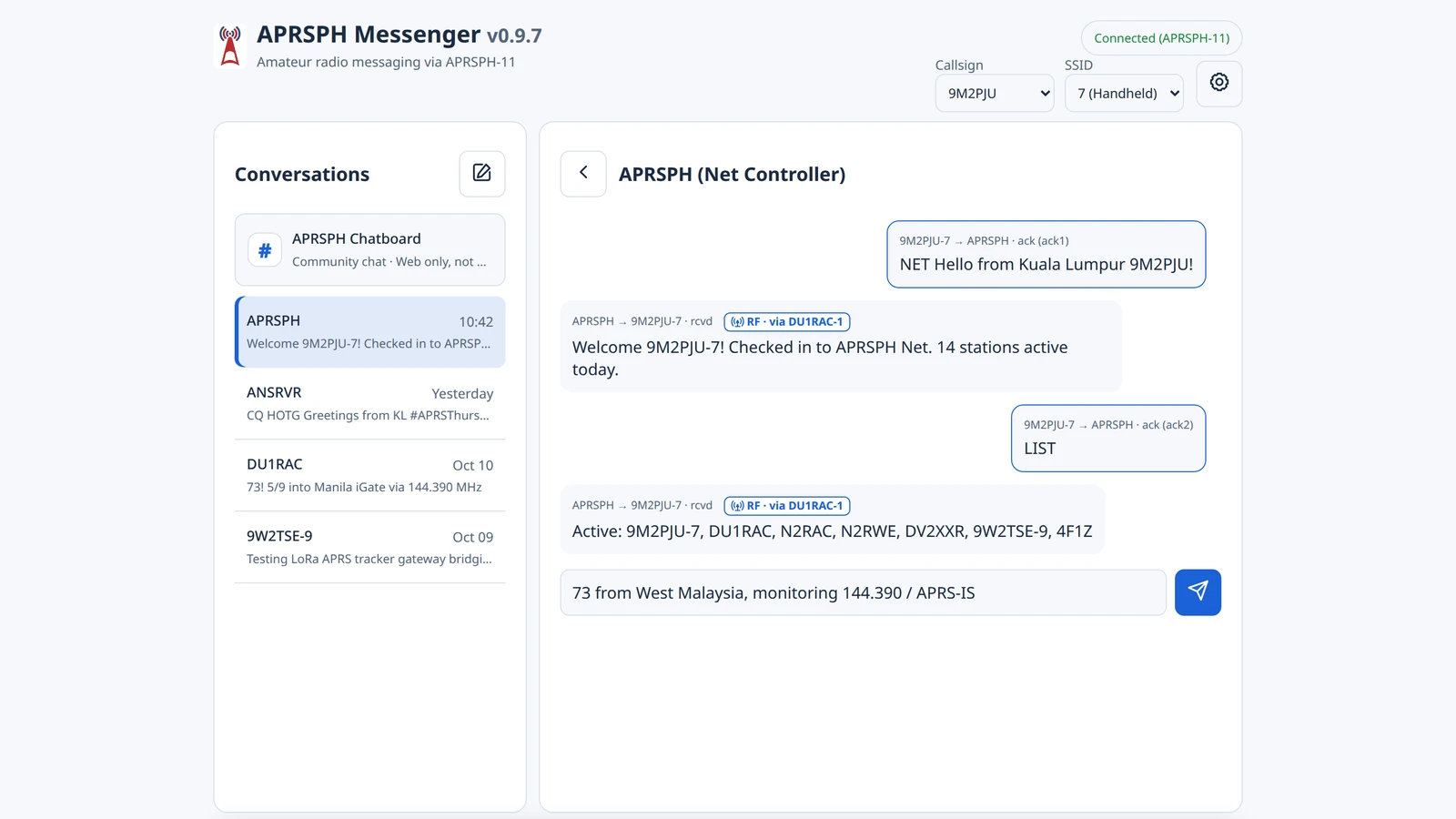
Mike (KC8OWL) has done an incredibly successful job reinvigorating the concept of messaging with his popular APRSThursday. Each week, 600-800 hams send messages to ANSRVR essentially to say “I’m here!”
It is amazing to see that level of participation. However, it highlights a gap: APRS, as envisioned by WB4APR, should be facilitating this kind of interaction all the time.
So, why isn’t it?
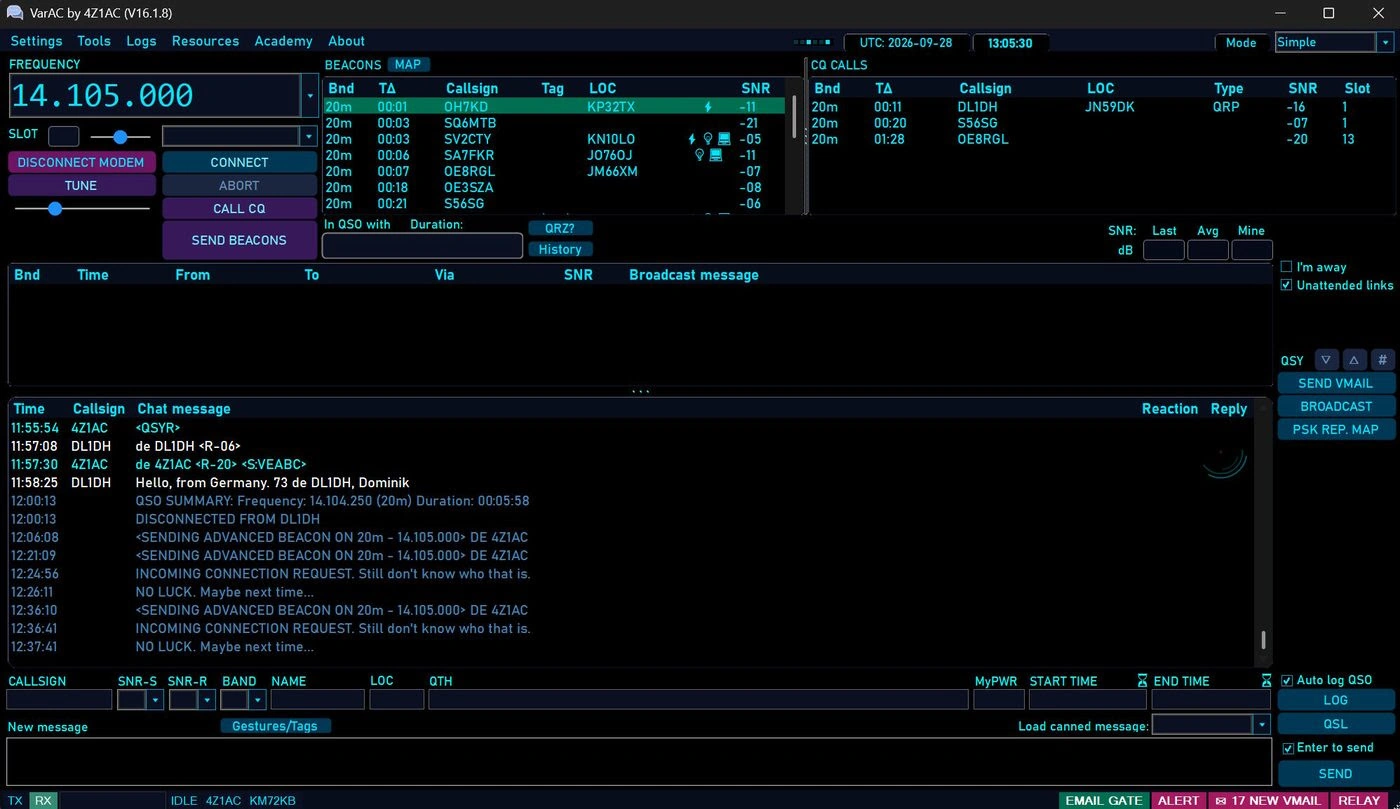
I believe the answer lies in the interface. Sending a message via traditional APRS software often feels like a technical chore rather than a seamless communication flow. There isn’t an easy, modern interface that users have come to expect in the smartphone era.
The Mesh Comparison: A Lesson in Usability
In an informal survey, I looked closely at MeshCore and Meshtastic. Both have significant user communities that include hams and non-hams alike.
The key to their success? Solid, polished apps that run on iOS and Android. They transform a phone or tablet into a sophisticated, familiar interface for a wireless packet network.
I won’t debate the pros and cons of the protocols themselves (that is a complicated discussion!). Instead, I want to highlight the User Experience differences, using MeshCore as an example.
1. The Map Experience
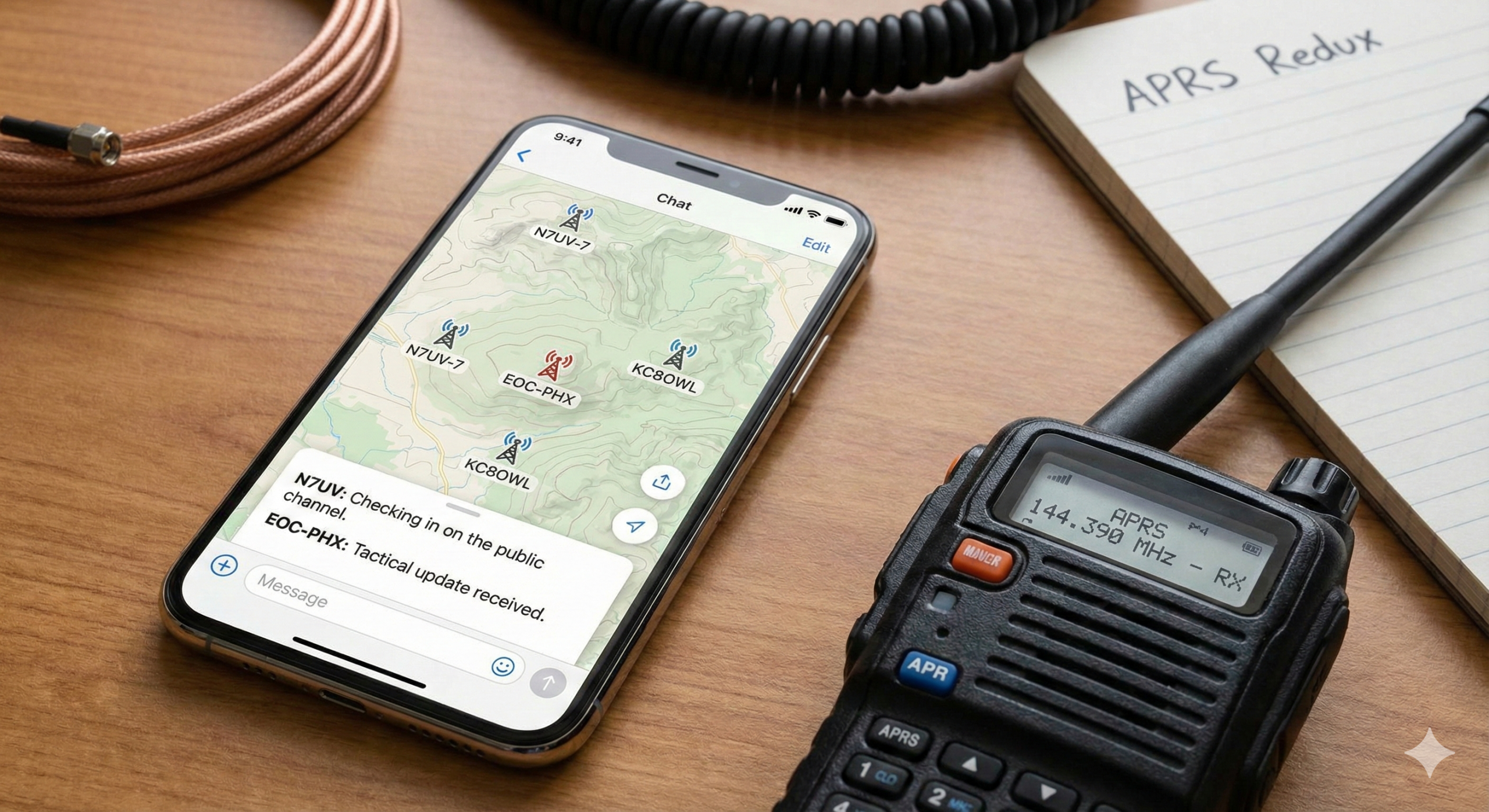
Maps are critical. In the MeshCore app, the map is intuitive. It shows local objects and stations clearly.
- Click-to-Interact: Clicking an icon brings up relevant details without needing to fetch data from the internet.
- Direct Action: If it’s a node, you can click to send a one-to-one message immediately.
- Remote Control: If it’s your repeater, you can log in over the air (reminiscent of the old TNC
RTEXTfunction) for rules-compliant local control.
Crucially, this can all happen offline (provided the base map is cached).
2. Modern “Chat” Messaging
Messaging in APRS allows for one-to-one and one-to-many communication. Today, the rest of the world calls this “Chat.”
In the mesh world, the chat interface looks like WhatsApp, iMessage, or Discord. It is transparent and fluid.
- The “Public” Channel: Any operator in range can contribute.
- Ease of Flow: It encourages conversation.
Compare this to current APRS apps (like Pinpoint, YAAC, etc.). While powerful, they often lack that “pick up and play” ease of flow-especially on a mobile phone.
3. Group Channels
Imagine a more focused chat room, for example, EOC-PHX.
- Use Case: Communications specific to the Phoenix Emergency Operations Center user community.
- Management: Managed by hams at the local Red Cross.
- Filtering: While amateur radio cannot be encrypted (nothing is “secret”), the interface can restrict the view of that specific chat group to members of the EOC team, filtering out the noise of the public channel.
This concept could extend to radio clubs for meeting announcements, hamfests, or even a dedicated APRSThursday group where the app reminds you to check in!
The Feasibility Question
Some might argue that channel capacity is a bottleneck. However, with informal guidelines, it is achievable. Our local Phoenix LoRa network runs at 4.6 kbps, which is roughly 4x the capacity of a typical 1200 baud AX.25 APRS channel. I do all my APRSThursday check-ins via this LoRa network without issue.
The Hurdle: Development
It seems the biggest impediment to having an APRS app like this is the substantial effort required to develop it and get it into the “walled gardens” of the iOS App Store and Google Play Store.
However, the roadmap is there. The “mesh” community has proven that if you give people a modern, slick interface, they will use the network for exactly what Bob Bruninga envisioned: Tactical, real-time digital communication.
Is there someone out there working on this? Is it time for APRS to get a UI facelift?
Cheers and 73, Jon N7UV
P/S: If you are interested on APRS, please join https://groups.io/g/APRS

Post Comment