How to Start Your First CW QSO: A Beginner’s Guide
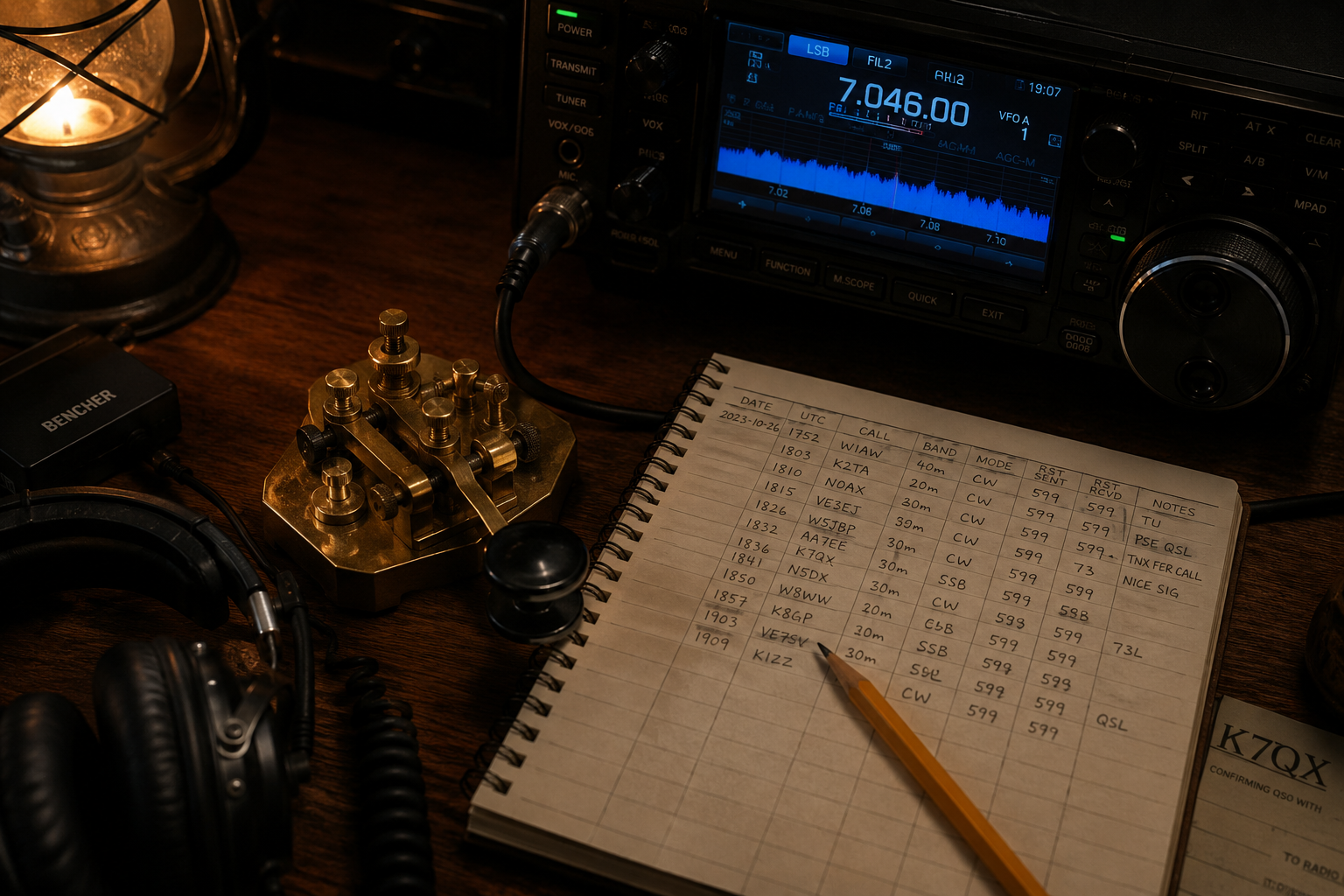
So if you learned the Morse code alphabet. You can copy letters at 10, 12, maybe 15 words per minute using an app or a trainer. You have your license. You have a radio that can transmit CW. And now you are staring at the key, thinking: what do I actually say?
This is the wall every CW operator hits. Learning the characters is one skill. Conducting a contact is another. The good news is that CW QSOs follow a predictable structure; almost everyone uses the same sequence of exchanges, and once you have done it a few times, it becomes second nature. This guide walks you through the whole flow, step by step, with examples you can copy.
What you need before you start
Before your first contact, make sure you have these basics sorted:
- A working CW setup: This can be a straight key, a paddle with an electronic keyer, or a keyboard-based CW interface. Any of them work. Do not let anyone tell you that a straight key is not “real” CW. It is how everyone started for decades.
- The ability to copy at least 10 WPM: You do not need to be fast. Most CW QSOs on the HF bands happen between 15 and 25 WPM, but operators will almost always slow down for you if you ask. The QRS prosign (sent as QRS) means “send more slowly,” and it is universally respected.
- A way to log the contact: Paper and pencil is fine. A logging app is fine. You will need to record the other station’s callsign, the time, the frequency, the signal report, and the QTH (location).
- A quiet space: CW requires concentration, especially at the start. Background noise and family interruptions will cost you characters. Pick a time when you can focus.
The standard CW QSO structure
A CW contact follows a predictable sequence. Once you know the sequence, you know what to expect next, which makes copying much easier because you have context for what is coming.
Here is the full structure of a typical QSO:
- Calling CQ or answering a CQ
- Signal report exchange (RST)
- Name exchange
- QTH (location) exchange
- Optional: Rig details, weather, age, other pleasantries
- Closing and 73
Let’s walk through each step.
Step 1: Calling CQ
CQ means “calling any station.” You send it to invite someone to answer you. The standard format is:
CQ CQ CQ DE 9M2PJU 9M2PJU 9M2PJU K
But, before calling CQ, an ethical operators usually ask if the frequency is in use first by sending QRL? few times.
Breaking that down:
- CQ: Sent three times. Three is the convention.
- DE: Means “from” (French de). It separates the CQ from your callsign.
- Your callsign: Sent three times. Send it clearly and at a steady speed.
- K: Means “over” or “go ahead.” It invites a response.
Pro-tips:
- Send at the speed you want to receive. If you send at 25 WPM but can only copy at 12 WPM, the station that answers you will likely come back at 25 WPM and you will struggle.
- Where to call: Find a clear frequency, listen for at least 30 seconds to make sure it’s clear, then ask “QRL?” (is the frequency in use?) once or twice.
Step 2: Answering a CQ
When you hear a CQ, wait for the station to finish (listen for the K at the end), then send:
9M2PJU 9M2PJU DE W1ABC W1ABC AR
OR
9M2PJU DE W1ABC W1ABC K
Breaking that down:
- The other station’s callsign: Sent twice to show you are answering them specifically.
- DE: Separates their callsign from yours.
- Your callsign: Sent twice.
- AR: The prosign for “end of message” (sent as a single character). It signals that you are done and waiting for their reply.
Step 3: The Signal Report Exchange (RST)
In CW, reports use the RST system: Readability (1-5), Strength (1-9), Tone (1-9). A typical good report is 599 (often shortened to 5NN).
Station A (the CQer):
W1ABC DE 9M2PJU TNX UR RST IS 599 599 NAME IS PIJU PIJU BT QTH IS KUALA LUMPUR KUALA LUMPUR BT HW CPT? K
Station B (the answerer):
9M2PJU DE W1ABC TNX OM PIJU BT UR RST 579 579 NAME IS DAVE DAVE QTH IS BOSTON BOSTON 9M2PJU DE W1ABC K
- HW CPY?: Means “how copy?”
- AR: Ends the message.
- K: Over to you.
Step 4: The Conversation
After the initial exchange, common additional details include:
- Rig details:
RIG IS IC7300 PWR 100W ANT IS DIPOLE - Weather:
WX IS SUNNY TEMP 28C - Thanks:
TNX FER NICE QSO
Keep it simple. The report, name, and QTH exchange is enough for a valid contact.
Step 5: Closing the QSO
Station A:
W1ABC DE 9M2PJU TNX FER NICE QSO HPE CU AGN 73 W1ABC DE 9M2PJU SK
Station B:
9M2PJU DE W1ABC TNX 73 9M2PJU DE W1ABC SK
- 73: Universal sign-off for “best regards.”
- SK: Prosign for “end of contact.” It signals that you are leaving the frequency.
Common Abbreviations Table
| Abbreviation | Meaning | Abbreviation | Meaning |
| DE | From | QRS | Send slower |
| K | Over | QRO/QRP | High/Low power |
| AR | End of message | TNX | Thanks |
| SK | End of contact | WX | Weather |
| HW CPY? | How copy? | RIG | Radio |
| R | Received/Roger | FB | Fine Business |
| QTH | Location | OM/YL | Male/Female Op |
Tips for Success
- Send at the speed you can copy: This is the most important rule.
- Write everything down: Do not rely on memory. Under pressure, you will forget.
- Don’t fear the repeat: If you miss something, send
AGN?(again?). - Listen first: Spend time tuning the bands before your first transmission.
- Log everything: It helps track your progress and qualifies you for awards.
Final Thoughts
Your first CW QSO will feel nerve-wracking. Your hand will shake on the key. You will miss characters. You will send something at the wrong time. Every CW operator alive has been through this. The difference between those who stick with CW and those who quit is simply a matter of doing it a few times until the fear fades.
CW is the oldest mode in amateur radio and it is still alive because it works when nothing else does. See you on the bands.
73,
9M2PJU

Post Comment