Choosing the Best Filesystem for Linux
When setting up a Linux system-whether it’s a personal laptop, home server, or enterprise-grade machine-you eventually face this deceptively simple question:
“Which filesystem should I use?”
And while most people just stick with whatever the distro gives them (usually ext4), the truth is… there are better options out there-depending on what you’re doing.
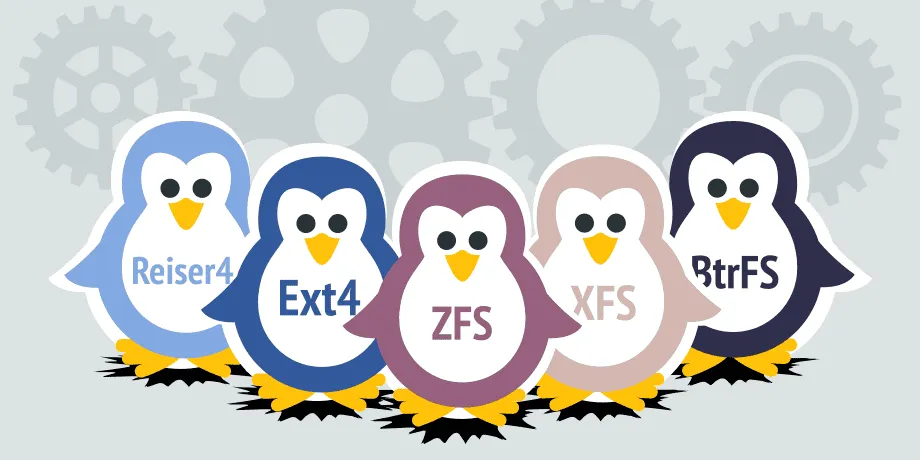
In this post, I’ll walk you through the four main contenders: ext4, Btrfs, XFS, and ZFS. Each one has strengths and quirks. Let’s make sense of them.
🧱 ext4 – The Reliable Classic
If you’re running Linux, there’s a 90% chance you’re already using ext4. It’s the default for most distributions, and for good reason:
- It’s fast.
- It’s stable.
- It just works.
But here’s the thing: ext4 doesn’t do fancy stuff like snapshots, compression, or self-healing. If you don’t need those features, then it’s still a fantastic choice.
Use it if:
You’re setting up a general-purpose desktop or server and want maximum compatibility and no surprises.
🧪 Btrfs – The Smart All-Rounder
Btrfs (pronounced “butter-fs” or “bee-tree-fs”, pick your poison) is a modern filesystem built with cool features like:
- Snapshots (think instant backups)
- Transparent compression
- Built-in RAID support
- Checksums for data integrity
It’s a bit like ZFS but more lightweight and integrated into the Linux kernel.
Use it if:
You want modern features, better data safety, and don’t mind a little learning curve.
📦 XFS – The Big File Specialist
XFS is a beast when it comes to large files and high-throughput storage. Originally developed by SGI, it’s now maintained by the Linux community and used heavily in environments like:
- Video editing
- Large-scale backups
- Databases with massive files
But it’s not great for small files or everyday desktop use.
Use it if:
You’re working with terabytes of video, raw photos, or large scientific datasets.
🛡️ ZFS – The Data Guardian
ZFS is legendary. It’s basically a combination of a volume manager and a filesystem. It gives you:
- Extreme data integrity (self-healing)
- Snapshots, cloning, deduplication
- Built-in RAID (no more mdadm!)
- Compression, encryption-you name it
Sounds amazing, right? It is. But you’ll need a decent amount of RAM (8 GB+ is ideal), and it’s not included in the Linux kernel for licensing reasons-so you’ll need to install it manually.
Use it if:
You’re running a serious NAS or server and want the best protection against data loss.
🧠 So… Which One Should You Use?
| Use Case | Best Filesystem |
|---|---|
| Everyday desktop | ext4 |
| Laptops or home NAS | Btrfs |
| Big file storage | XFS |
| Enterprise storage / NAS | ZFS |
✍️ Final Thoughts
The beauty of Linux is choice-but that also means doing a bit of homework. Fortunately, filesystems like ext4 and Btrfs make it hard to go wrong.
If you’re setting up a personal machine: ext4 is rock solid.
If you’re tinkering or want cool features: give Btrfs a go.
If you’re building a fortress for your data: ZFS is king.
Whichever route you take, just make sure to back up your data. Even the best filesystem won’t save you from rm -rf /




Post Comment