HAM TV for Ham Radio Operators | Live Roku Channel for QSOs, DX Spots and Propagation
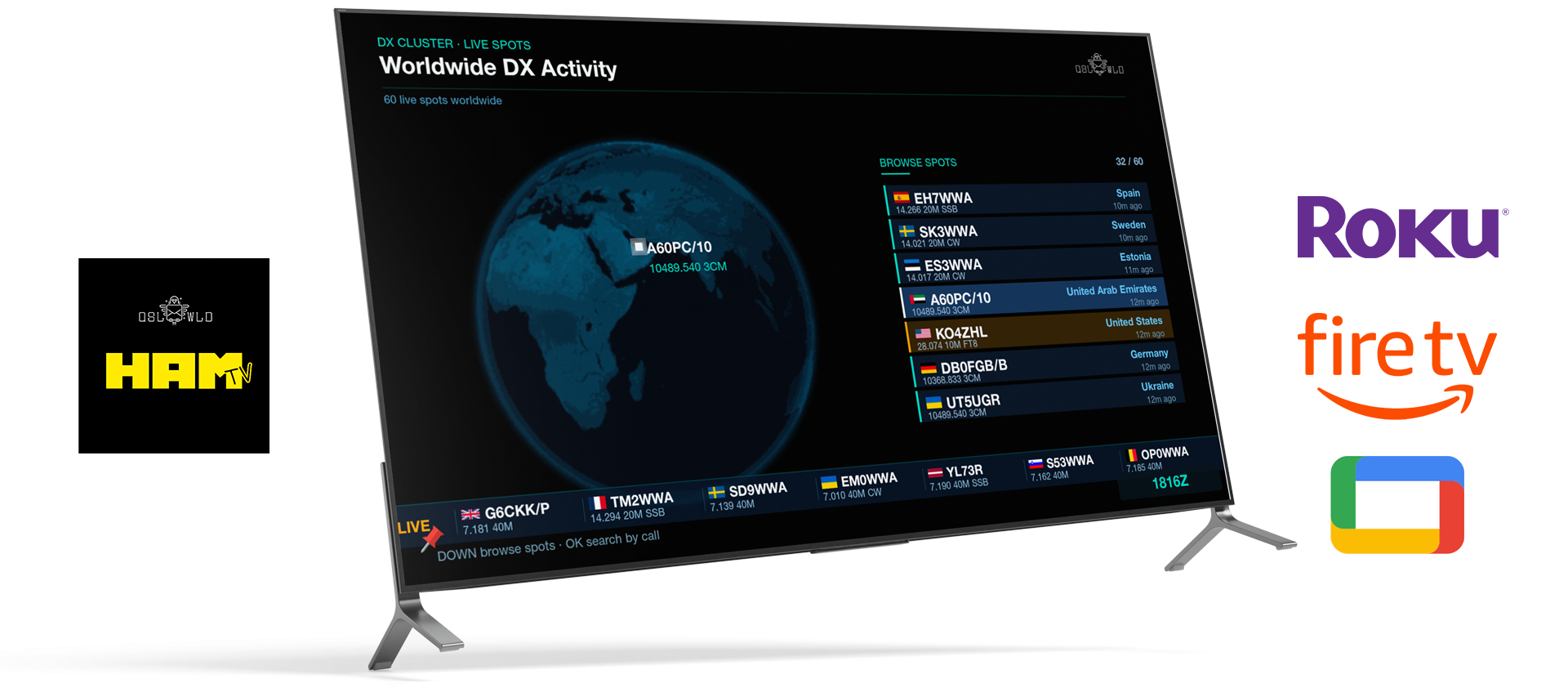
Turn your Roku into a live ham radio station channel. HAM TV shows your QSOs, DX spots, world map, propagation conditions, UTC clock and station activity on the big screen.
There’s something special about glancing across the room and seeing your station come alive. Not buried in a logging window. Not hidden behind another tab. Not waiting for you to plug in cables or start another program.
That’s the idea behind HAM TV, the first live channel built for ham radio operators who want their station activity displayed beautifully, continuously, and effortlessly.
With HAM TV, your contacts, DX activity, propagation, maps, and station time can run all day on your Roku TV or Roku streaming device. Just enter your callsign, sign in with your Hamilton Pro key, and your station channel goes live.
No radio connection required. No computer running in the shack. No extra software to operate.
A Live Channel for Your Station
HAM TV turns any Roku into an always-on ham radio dashboard.
Once it’s running, your logged contacts begin appearing on screen with operator details, flags, and a live world map showing the path between stations. It feels less like checking a log and more like watching your station’s story unfold in real time.
Whether you’re relaxing in the shack, showing off your setup, or keeping an eye on recent activity from across the room, HAM TV gives your station a proper place on the big screen.
Built for the Way Operators Actually Use Their Shack
HAM TV is designed to be simple. You don’t need to connect a radio. You don’t need to leave a computer running. You don’t need to manage windows, cables, drivers, or audio settings.
Setup is just three steps:
- Enter your callsign.
- Sign in with your Hamilton Pro key.
- Leave the channel running.
From there, HAM TV automatically rotates through your contacts, maps, propagation data, DX spots, and clock views. It’s the kind of tool you can glance at any time and immediately know what’s happening around your station and across the bands.
What You’ll See on HAM TV
HAM TV brings together the information hams care about most:
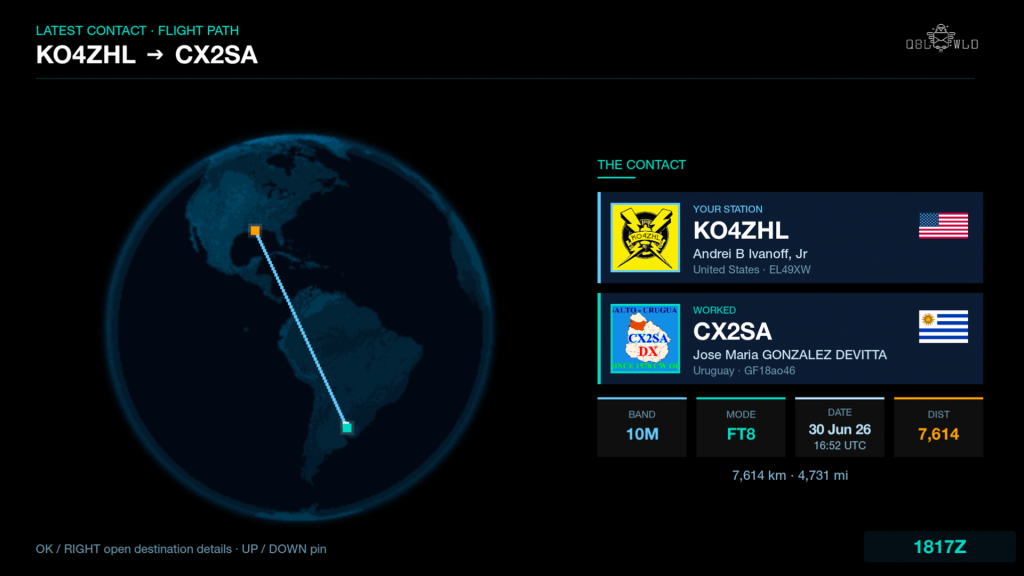
Latest contact, live
Each QSO appears as it happens, showing both operators, flags, and the flight path between you.
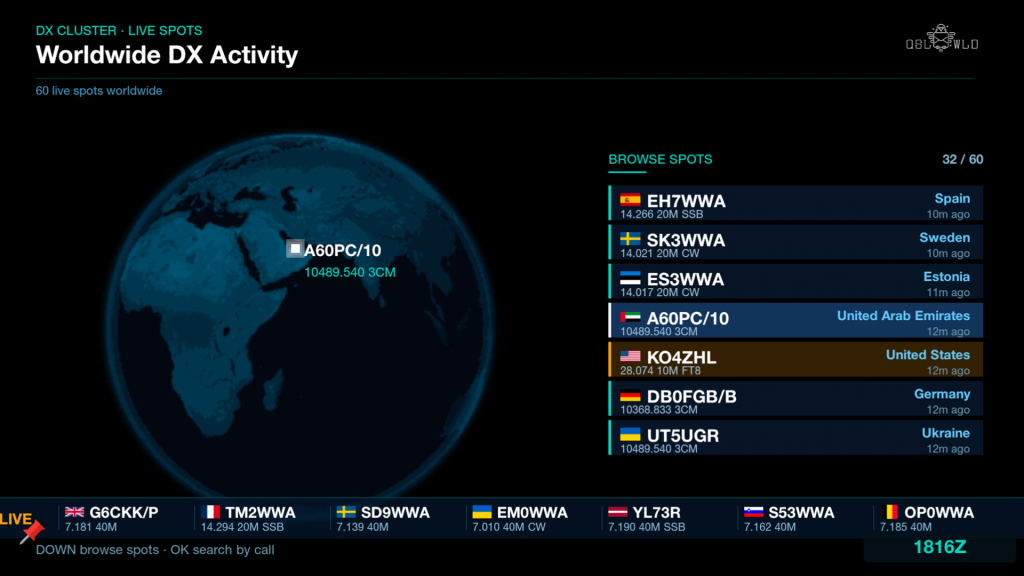
Worldwide DX activity
A live DX cluster feed and globe view show spots from around the world, with activity searchable by callsign or prefix.
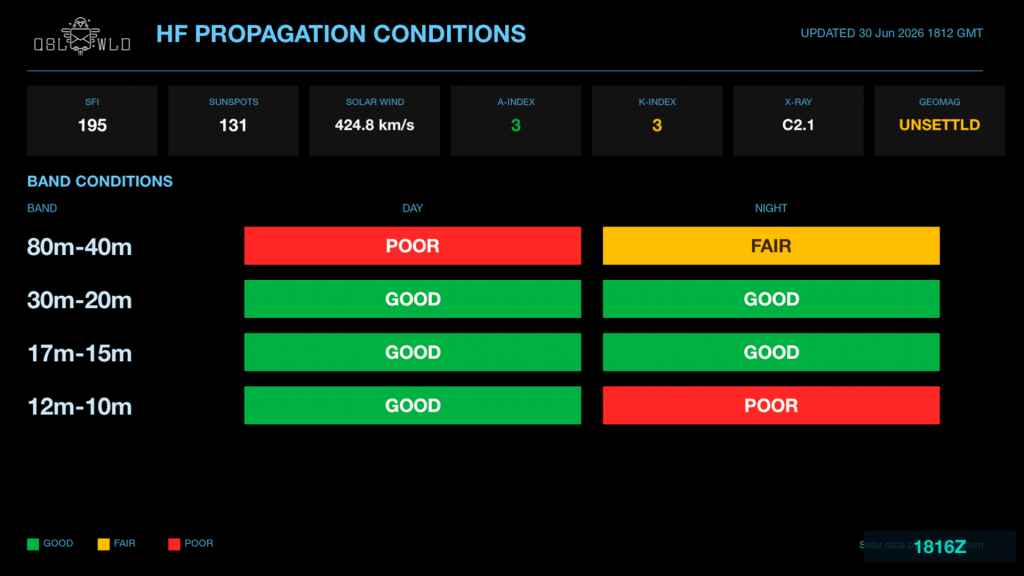
HF propagation conditions
Keep an eye on SFI, sunspots, K-index, and per-band day and night conditions.
Station time clock
Local time and UTC are displayed clearly, including ham-friendly HHMMZ format.
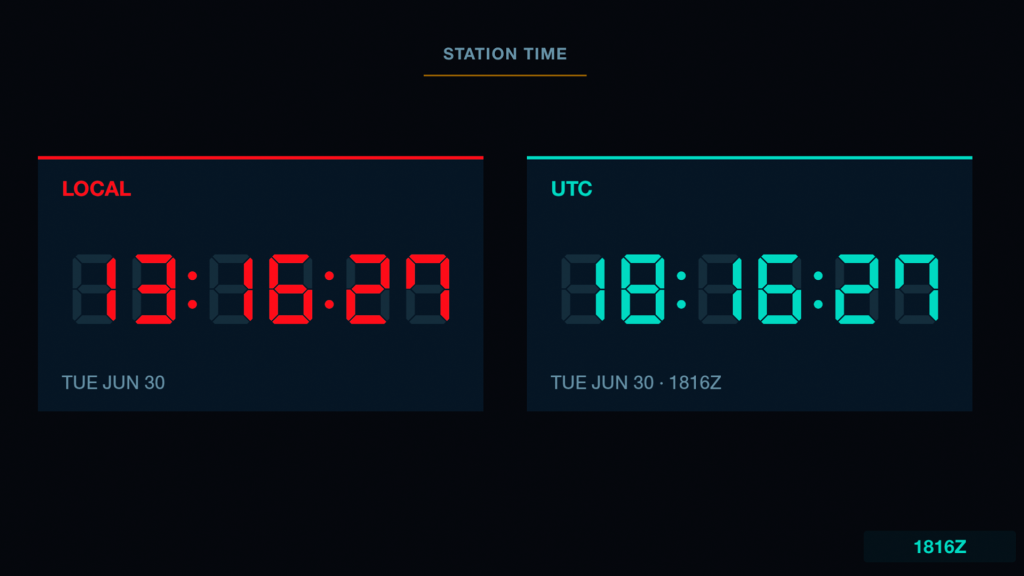
It’s not just a utility screen. It’s a living broadcast of your station.
Available Now on Roku
HAM TV is available now for Roku TV and Roku streaming devices.
To add it, open the Roku home screen, go to Streaming Channels, search for HAM TV, and select Add Channel. Once installed, open the channel, enter your callsign, and sign in with your Hamilton Pro key or scan the QR code.
Support for Amazon Fire TV and Google TV is coming soon.
Included Free with Hamilton Pro
HAM TV is included free with Hamilton Pro. The same license key that activates your Hamilton desktop apps also signs you in to your live station channel.
You’ll need:
- A Roku device or Roku TV with internet access
- A QSL World account with your callsign and logged contacts
- A Hamilton Pro license key
Bring Your Station On Air
HAM TV gives your ham radio activity a new home: always visible, always current, and always ready on the biggest screen in the shack.
Add HAM TV to your Roku, enter your callsign, and let your station go live.
Check out here


Post Comment