The TAK Syndicate: Free Team Awareness Kit Guide for Responders
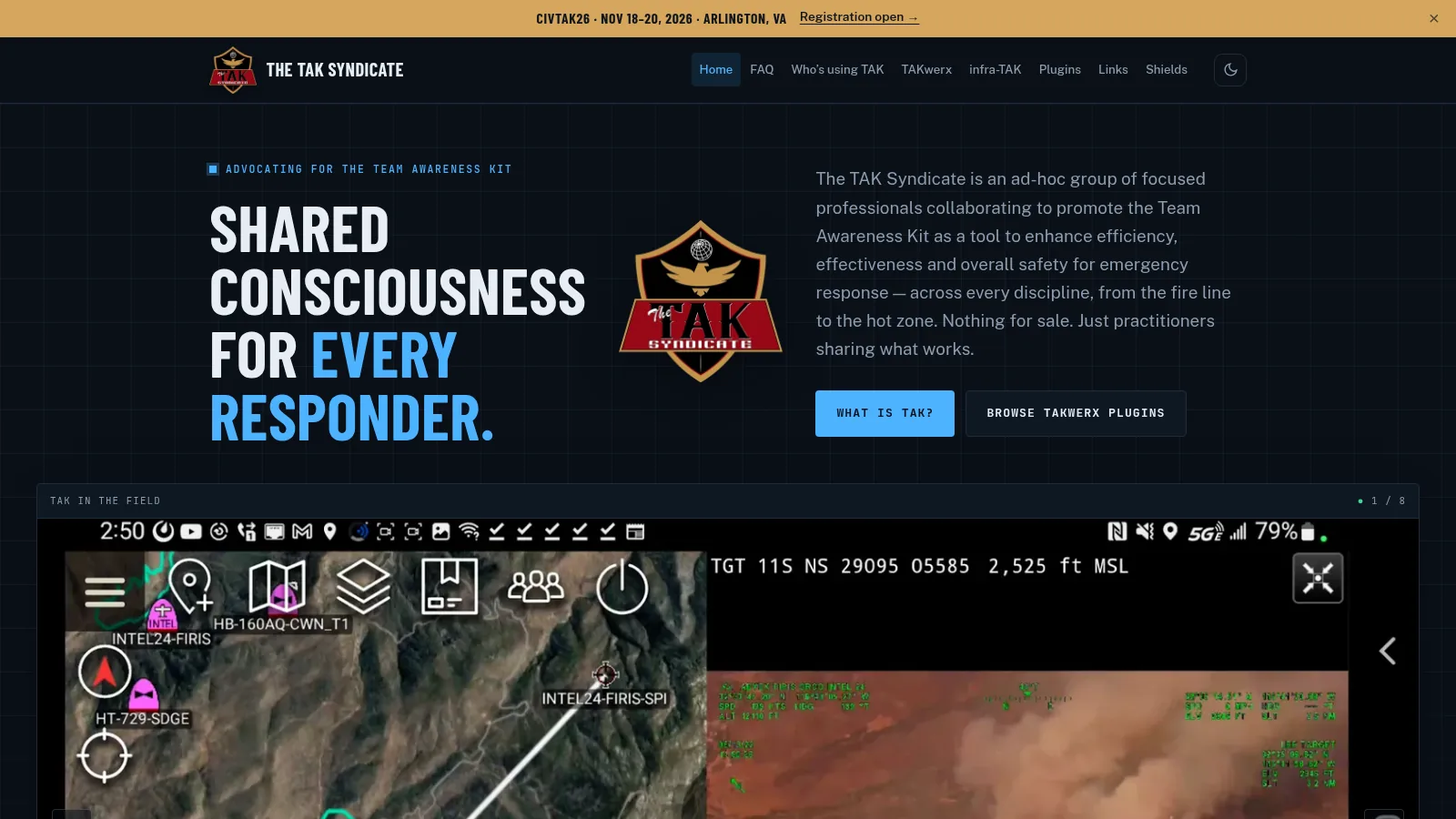
If you have watched incident video side by side with a moving map and wondered what software ties it all together, the answer is usually TAK. The TAK Syndicate is the clearest civilian starting point for it: a practitioner run site that explains what Team Awareness Kit is, where to get it, how to run your own server without touching SSH, and which free plugins actually help in the field.
TL;DR: The TAK Syndicate at thetaksyndicate.org is a free practitioner run guide to Team Awareness Kit with a plain language FAQ, a live agency map, the TAKwerx open source workshop with 16 free ATAK plugins plus CloudTAK plugins, the infra-TAK browser console that deploys a full TAK Server stack, and ATAK Terminal that runs real ATAK on Mac or Windows. Start at the FAQ, try TAK on TryTAK, then stand up your own server with infra-TAK.
What The TAK Syndicate Is
The TAK Syndicate is a free ad hoc group of practitioners that promotes Team Awareness Kit as a common operating picture for emergency response, with nothing for sale and open source tools anyone can use.
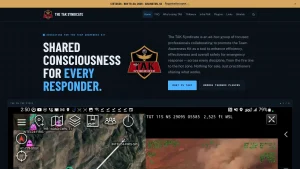
The homepage says it plainly: shared consciousness for every responder, from the fire line to the hot zone. The site is advocacy plus practical tooling. It answers beginner questions, lists who uses TAK, publishes the TAKwerx open source projects, documents infra-TAK server deployment, catalogs 16 ATAK plugins with install guides, links 92 vendors and agencies plus 18 YouTube channels, and points to CIVTAK26, the civilian TAK conference running Nov 18 to 20, 2026 in Arlington, VA.
For amateur radio operators the relevance is direct. TAK is what professional responders open during wildfires, floods, search and rescue, hazmat, planned events and EmComm activations. When hams support those incidents through ARES, RACES, CERT or backup communications, speaking TAK means plotting the same markers, tracks, chat and video the served agency sees.
What TAK Actually Is
TAK is a US government off the shelf (GOTS) family of situational awareness apps that shares position, chat, markers, files, and video as Cursor on Target messages through a TAK Server.
The military build is called Tactical Assault Kit. The civilian build is called Team Awareness Kit. Same protocol family, different release channel. The Syndicate FAQ keeps this distinction short and it matters when you ask where to download.
| Platform | Client | Notes |
|---|---|---|
| Android | ATAK | Full plugin architecture, Google Play CIV build |
| iPhone and iPad | iTAK, TAK Aware | App Store builds, no plugin architecture |
| Windows | WinTAK | Desktop client with plugin support |
| Windows and Linux | TAKX | Cross platform desktop TAK |
| Browser | WebTAK, CloudTAK | No install, CloudTAK is open source |
| Smartwatch | WearTAK | Samsung Galaxy watch as a real TAK device with vitals alerts |
| Headset | VR-TAK, ARTAK | Virtual and augmented reality clients |
Core idea in one line: everyone publishes what they know as structured messages, the server routes them, and every screen draws the same picture. A fire crew, a helicopter, a drone, a weather alert and a ham checkpoint all arrive as points on one map instead of five separate apps.
Why Hams Should Care About TAK
Public safety adopted TAK because dismounted people disappear from vehicle trackers the moment they step away from the truck. TAK puts each responder back on the map with a phone or tablet, then adds collaboration on top of a shared map so fewer questions need voice airtime.
That maps neatly onto ham EmComm work:
- Checkpoints and nets become markers. Net control sees shelter, road closure, damage and station markers instead of copying grids over voice.
- Tracking works off grid. TAK rides cellular, WiFi, satellite, or mesh links such as Meshtastic, goTenna, Beartooth, TrellisWare, Silvus and Persistent Systems. The FAQ confirms ATAK plus TAK Aware tested over T-Mobile satellite direct to phone, and documents LoRa mesh paths including the Meshtastic ATAK plugin.
- Video and sensor feeds land on the same screen. Aircraft video beside the map, public cameras, drone Remote ID, ADS-B aircraft, RF direction finding bearings, all as TAK objects.
- Agencies already run it. Statewide deployments run in Colorado (COTAK), Texas (TX-DPS) and North Carolina (NCTAK), plus counties, cities, federal teams, search and rescue groups and fire departments. Your served agency may already speak TAK.
You don’t need to be public safety to learn it. The Syndicate explicitly welcomes all disciplines and all hazards, and the tooling below is free.
TAKwerx: The Open Source Workshop
TAKwerx is the open source workshop behind The TAK Syndicate, building the server console, the desktop ATAK runner, and the ATAK plus CloudTAK plugins the field keeps asking for.
Everything lives on GitHub under takwerx. A working first responder builds the tools, the code is public, and every project takes bug reports and feature requests through its own GitHub issue tracker. The site asks for versions, device or server details, and a screenshot with each report, and reminds reporters to leave out passwords and operational details because issues are public.
Main pieces:
- infra-TAK: full TAK stack from one browser console
- ATAK Terminal: real ATAK in a window on Mac or Windows PC
- 16 ATAK plugins: fire, weather, maps, alerts, airspace, cameras, comms and direction finding, installed through TAKwerx Market
- 2 CloudTAK plugins: Dispatcher for incidents plus TAK Simulator for live exercises
- 2 standalone installers: MediaMTX video and TAK Server scripts for manual builds
- ATAK Plugin Pipeline: the build and third party signing workflow, published as a Claude Code skill
A Buy Me a Coffee link funds the work. No paid tier, no telemetry, no account wall on the tools themselves.
infra-TAK: A Full TAK Server Without SSH
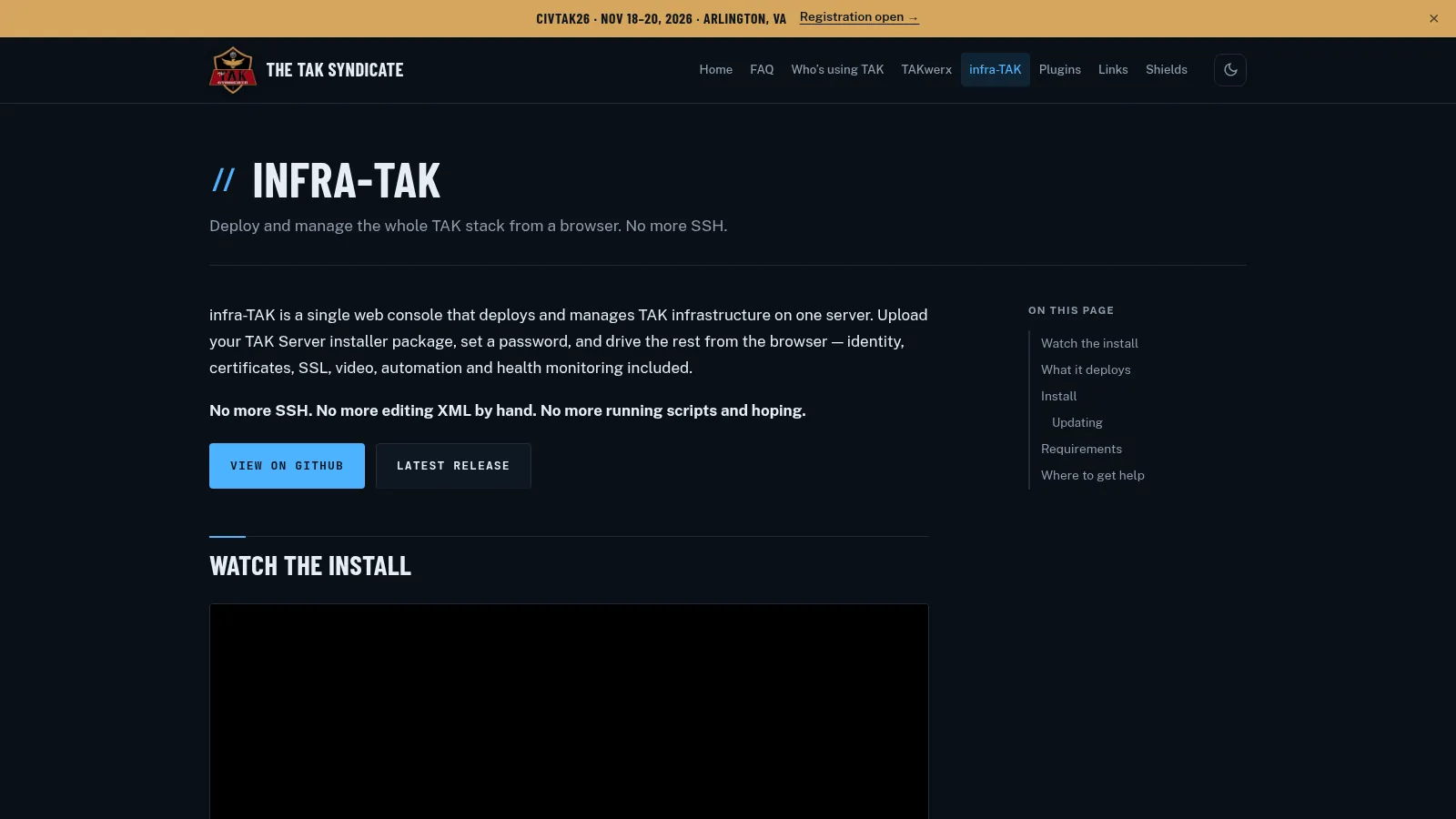
infra-TAK is a free open source web console that deploys and manages the whole TAK infrastructure on one server, with no SSH and no hand edited XML.
Upload your TAK Server installer package from TAK.gov, set a password, and drive the rest from the browser. The console handles configuration, certificates, identity, reverse proxy, video, automation and health monitoring.
What one console deploys:
- TAK Server: upload package, configure and manage CoreConfig from the browser
- Federation Hub: on the same box or a remote VPS, with SSO, certificates and monitoring
- Authentik: identity provider with automated LDAP configuration for TAK Server auth
- TAK Portal: user and certificate management, auto wired to Authentik and TAK Server
- Caddy SSL: Let’s Encrypt certificates and reverse proxy
- CloudTAK: browser based TAK client on the same server
- MediaMTX or TAK Video Restreamer: real time video over RTSP, RTSPS, SRT, HLS, RTMP and KLV
- Node-RED: flow based automation behind Authentik forward auth
- Email Relay: outbound mail for notifications and alerts
- Guard Dog: health monitoring with auto recovery across the stack
Install is a short clone and one script as root, then open the printed URL and log in. The project recommends Ubuntu 22.04 LTS or Rocky Linux and RHEL 9 including ARM64, root access, 8 GB or more RAM for TAK Server, 50 GB or more SSD backed disk, and 4 or more CPU cores for a full stack. A fresh machine is strongly recommended, and the README gives disk speed test commands because slow I/O causes build timeouts and unreliable boots. Updates ship through an Update Now button in the console, with config preserved in the install directory.
Compared with the classic path of SSH plus XML plus scripts plus hope, infra-TAK removes the three failure points beginners hit: certificate enrollment, LDAP wiring between TAK Server and the portal, and reverse proxy SSL. If you have ever read a myTeckNet TAK Server tutorial and stalled on CoreConfig, this is the shortcut.
ATAK Terminal: Real ATAK on a Desktop
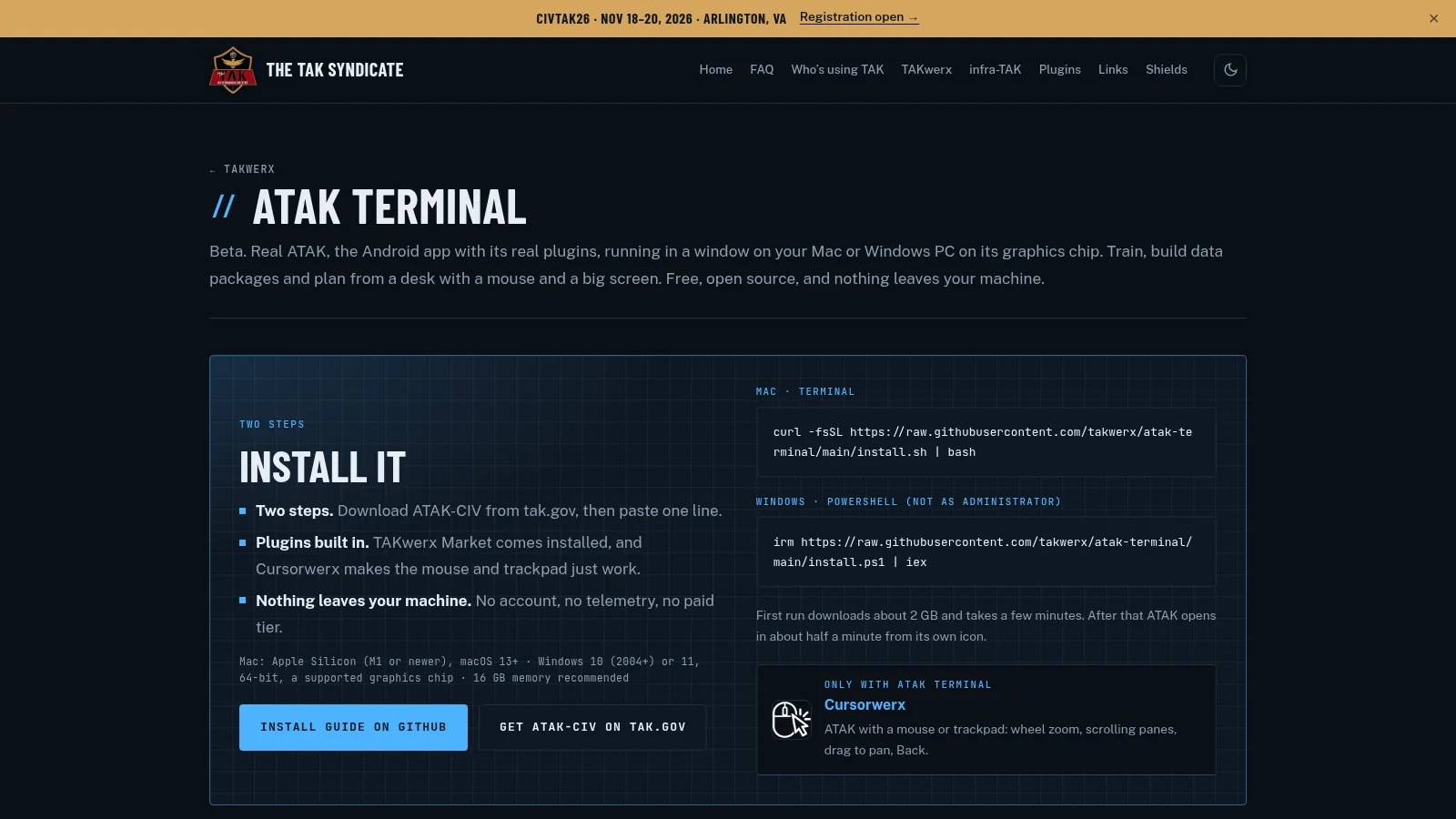
ATAK Terminal runs the real Android ATAK app with its real plugins in a window on a Mac or Windows PC, free and open source, with nothing leaving the machine.
Two steps: download ATAK-CIV from tak.gov with a free login, then paste one install line. Mac uses a Terminal curl pipe to bash, Windows uses a PowerShell irm pipe to iex, not as Administrator. First run downloads about 2 GB and takes a few minutes. After that ATAK opens in about half a minute from its own icon.
Why bother running a phone app on a desktop:
- Training without burning phone batteries. Teach with a mouse, keyboard and big screen.
- Planning and data packages. Build maps, markers, routes and data packages at a desk, then push to field devices.
- Plugin testing. TAKwerx Market comes installed, and Cursorwerx makes wheel zoom, scrolling panes, drag to pan and Back work with a mouse or trackpad.
- Privacy by locality. No account, no telemetry, no paid tier. Location comes from the computer, an exact coordinate, or a rough IP fix.
Requirements are honest: Apple Silicon M1 or newer with macOS 13 plus on Mac, or 64-bit Windows 10 2004 plus or Windows 11 with a supported graphics chip, about 23 GB free disk, 16 GB memory recommended, and the ATAK-CIV APK from tak.gov. ATAK 5.7 and 5.8 run at full screen resolution around 50 to 58 frames per second. TAK Portal enrollment works by opening the portal in Chrome inside Android. On Mac you can drag a plugin APK onto the window to install it.
Beta limits are stated up front: no multicast so TLS servers work but 239.2.3.1 mesh discovery doesn’t, and nothing is code signed yet which is why install is a pasted line instead of a downloaded app. Linux support is listed as next.
The 16 Free ATAK Plugins
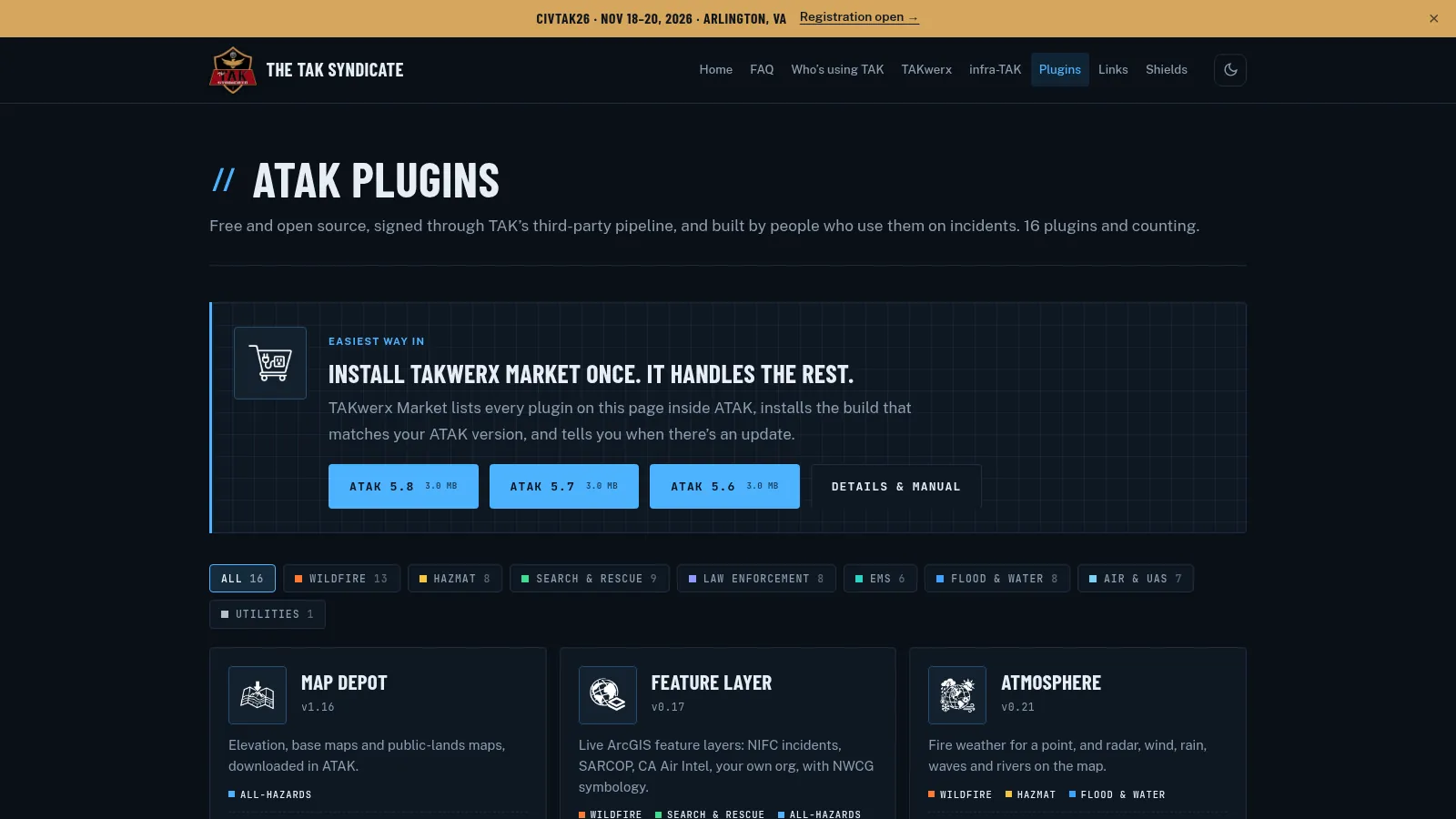
The plugin catalog holds 16 free open source ATAK plugins, signed through the official third party pipeline, installable per ATAK version with PDF manuals.
Install TAKwerx Market once inside ATAK and it lists every plugin on the page, installs the build matching your ATAK version (5.6, 5.7, 5.8), and tells you when updates land. Each plugin page carries its version, discipline tags, manual, and version matrix. A plugin built for a different ATAK version won’t load, so match ATAK Settings plus About before downloading APKs by hand.
Standout plugins for ham and EmComm use:
| Plugin | Version at write time | What it does | Why it matters for hams |
|---|---|---|---|
| Map Depot | v1.16 | Elevation, base maps and public lands maps downloaded in ATAK | Offline maps for SOTA, POTA and field day sites |
| Feature Layer | v0.17 | Live ArcGIS feature layers including NIFC incidents, SARCOP and CA Air Intel with NWCG symbology | Same incident layers the fire teams use |
| Atmosphere | v0.21 | Point fire weather plus radar, wind, rain, waves and rivers on the map | Go or no-go weather at the summit or shoreline |
| FireCast | v0.5 | Satellite heat detections plus on device fire spread model with buildings and people reached | Wildfire situational awareness during support ops |
| LCES | v0.2 | Wildland fire IRPG one tap away plus Lessons Learned Center incidents mapped where they happened | Safety reference during fire support |
| Evac Zone | v0.6 | Published evacuation zones drawn in one status color language | Shelter and evacuation net support |
| IPAWS Alerts | v0.6 | Public emergency and weather alerts filtered on device | Same alerts the public receives, on the tactical map |
| Cam Depot | v1.9 | Public traffic and wildfire cameras with live video | Eyes on passes, smoke columns and road status |
| Traffic | v0.9 | Live traffic overlay on your own base map | Convoy and event routing |
| Comms | v0.10 | Mountaintop radio sites, the nets on each, the tone that opens them, and likely reach from a handheld spot | Repeater planning from the map |
| AirAware | v0.8 | TFRs, NOTAMs, airspace classes, special use, UAS ceilings, obstacles, airfield conditions, UAS flight planner | Keeps drone and balloon ops legal |
| PLSS Grid | v0.8 | Township, range and section grid from BLM survey data | Land description the US fire service speaks |
| Dozer Country | v0.8 | Where a dozer can work, shaded against Dozer Boss guide slope limits | Wildfire line context |
| FOBS | v0.7 | Walk, draw, import, split and join a perimeter into an ATAK shape, live to a feed | Perimeters from a walked track |
| Signal DF | v0.3 | KrakenSDR radio direction finding bearings on the ATAK map | Foxhunts and interference hunts with bearings shared to the team |
| TAKwerx Market | v1.8 | Lists and updates every catalog plugin inside ATAK | The installer for everything above |
The community shelf below the 16 adds 10 more plugins whose code lives with their own authors but install through the same Market: ATAK-ICU phone camera streaming, Emergency Response Time routing, Kestrel weather meter readings, KML Replay, Map Favorites, Nearby Drop offline sharing, SARTAK incident package, TAK Beacon background reporting, TAK Hats profiles, and Video Wall multi feed view. Developers can list a plugin through the documented Market process.
Signal DF deserves a special mention for hams. It plots KrakenSDR bearings straight onto the shared map, which turns a solo direction finding walk into a team sport. Pair it with the Comms plugin repeater data and a Meshtastic or voice backhaul and a club foxhunt suddenly looks like a professional search operation.
CloudTAK Plugins: Dispatch and Live Exercises
CloudTAK puts TAK in the browser with no install, and TAKwerx ships two plugins for it.
Dispatcher creates and manages incidents on the map, organizes them under named events, assigns responders, and notifies through mission chat plus GeoChat. It installs and updates from the TAK Portal marketplace, or from GitHub for any CloudTAK. Good fit for net control, event staff, and exercise controllers who live on laptops.
TAK Simulator is a director panel inside CloudTAK for live exercises, demos and load tests: scripted units on an isolated simulation channel, eight ready made scenarios, and a clean stop that removes everything. It needs its engine beside CloudTAK, so it ships only with infra-TAK and deploys from the console marketplace. Good fit for club training nights where you want traffic without polluting the live server.
Getting on the Air: Servers and Clients
The FAQ lays out server options from easiest to full control:
- TryTAK: free hosted community TAK Server at trytak.org. Best first step, try TAK before deploying anything.
- infra-TAK: free open source console, your own server, browser driven. Best second step for a club or ARES group.
- TAK.gov server package: official federal build you deploy yourself, with a myTeckNet tutorial linked. Full control, full responsibility.
- OpenTAKServer: open source alternative you deploy yourself, covered in a separate HamRadio.my Docker guide.
- Vendor TAK as a service: Realm Alliance, Parsons, Booz Allen, RTX BBN, EOTAK, GoTAK, TAKGRID, Syzygy, District 47 and more, all listed on the Links page.
Clients come from official stores: ATAK-CIV on Google Play, iTAK and TAK Aware on the Apple App Store, WinTAK and TAKX for desktop, plus WebTAK and CloudTAK in the browser. Government employees register at TAK.gov for government builds and plugins. Third party plugins come from their developers or through TAKwerx Market.
Cost framing is realistic. The apps are free from the government. The money goes to server hosting, end user devices, extra comms such as mesh radios, video and UAS integration. Start small and scale to what the mission needs.
Off Grid, Drones and Airspace in One Picture
Three FAQ answers make TAK click for radio people.
TAK works without cellular. It rides whatever IP path exists, plus mesh and satellite options. Listed vendors span Somewear Labs, Beartooth, goTenna, Tough Stump, Doodle Labs, TrellisWare, Persistent Systems, Silvus and Nokia Federal. Open low cost paths include Meshtastic with its ATAK plugin for positions, chat and TAK traffic over LoRa mesh, and MeshCore for messaging with TAK support on developer roadmaps.
Drones plug in through UAS Tool. Many commercial drones fly in TAK through the ATAK UAS Tool plugin on Google Play, and the Syndicate YouTube channel demos the benefits. Drone vendor and integration links fill a whole section of the Links page, from DJI and Parrot through Skydio, Red Cat, Kutta, FLYMOTION, DroneControl, Darkhive, UAS Strategic and Nine Hill.
Airspace arrives as map points. Crewed aircraft show through ADS-B network feeds or a small local receiver. Drones show through Remote ID receivers with position, altitude, serial and pilot location. Restrictions draw through AirAware with TFRs, NOTAMs, classes, ceilings and no fly areas. Same pattern covers RF detectors, acoustic sensors, radar, EO and IR cameras: every sensor becomes Cursor on Target on one shared picture instead of another screen on another laptop.
Who Uses It and Where to Learn More
The Who is using TAK page keeps a live map of agencies and organizations running TAK, with a Google My Maps embed for browsing. The Links page then widens the lens to 92 organizations plus 18 YouTube channels: TAK.gov and TAK Product Center, statewide programs such as COTAK, AZTAK and Florida, communities such as CivTAK and TAK Alliance, server guides at myTeckNet, open servers at OpenTAKServer and CloudTAK, map and weather data from Esri, SkyFi, SkyTL and FireView, indoor location, radar, cameras, messaging bridges, radio and mesh vendors, rugged hardware, and training channels from ATAKwizard and Tough Stump through District47, EOTAK, GoTAK and myTeckNet.
Two community doors matter. Open chatrooms run on Reddit r/ATAK and Discord for general discussion. A separate closed space exists for public safety users to discuss deployment and development, reachable by email to [email protected]. News flows through civtak.org, and the site itself invites how much does it cost, can it run on a watch, what is a plugin, and how do I get started questions at the same address.
How a Ham Club Can Start This Weekend
A practical path that respects time and budget:
- Read the FAQ end to end. Twenty minutes that prevents a week of wrong downloads.
- Install a client each. ATAK on Android, iTAK or TAK Aware on iPhone, WinTAK or CloudTAK on laptops.
- Join TryTAK for one net. Run a weekly net with positions, chat and markers instead of voice only.
- Add one TAKwerx plugin per session. Map Depot for offline maps first, then Atmosphere, then Comms for repeater sites, then Signal DF for the foxhunt.
- Stand up infra-TAK when the group commits. One small VPS or spare box, one evening, and the club owns its server, certificates, portal and video.
- Exercise with TAK Simulator. Script units on an isolated channel, run the scenario, stop clean, debrief from the same map.
- Bridge your existing tools. OpenTAKServer or CloudTAK beside your APRS, Meshtastic, Winlink and voice nets, and let each system do what it does best.
Keep frequency and license rules in mind throughout. TAK carries data over IP and mesh links, but anything touching amateur spectrum still needs the right license, the right band plan, and identification habits that fit the mode in use.
Honest Limits
No tool earns trust without its rough edges stated.
- ATAK version matching is strict. A plugin built for a different ATAK version won’t load. Match builds or let TAKwerx Market handle it.
- iOS has no plugins. iTAK and TAK Aware do what the core app does. Plan Android or desktop seats where plugins matter.
- ATAK Terminal beta has no multicast. TLS servers work, 239.2.3.1 discovery doesn’t.
- Your server is your responsibility. Certificates, updates, backups and access control don’t manage themselves, though infra-TAK plus Guard Dog automate the routine parts.
- Coverage isn’t magic. No cell means planning mesh, satellite or relayed paths in advance. Test before the incident.
- Listings aren’t endorsements. The Links page says so directly. Evaluate vendors like any other procurement.
Sources and Further Reading
- The TAK Syndicate homepage
- TAK Syndicate FAQ
- TAKwerx open source workshop
- infra-TAK browser server console
- ATAK plugins catalog with 16 plugins
- ATAK Terminal desktop runner
- Who is using TAK live map
- Links to 92 vendors agencies and tools
- infra-TAK source on GitHub
- TAKwerx organization on GitHub
- TAK Server installer scripts
- MediaMTX installer
- ATAK plugin pipeline
- Official TAK Product Center
- TryTAK free community server
- CloudTAK browser TAK client
- OpenTAKServer open source TAK server
- CIVTAK civilian TAK conference
- COTAK Colorado statewide TAK
- Meshtastic ATAK integration docs
- Self-Host a TAK Server with 9M2PJU OpenTAKServer Docker Stack on HamRadio.my
73 de 9M2PJU

Post Comment