amateur radio
android
open source
Technology
Android microphone, BlackHole, DeepFilterNet, Earshot, field day, Flutter, JOTA, live streaming, noise suppression, OBS Studio, open source, Opus codec, podcasting, portable operations, POTA, radio shack, Rust, sota, VB-Cable, wireless microphone
9M2PJU
0 Comments
Earshot: Turn Your Phone into a Wireless PC Microphone for Ham Radio Streaming
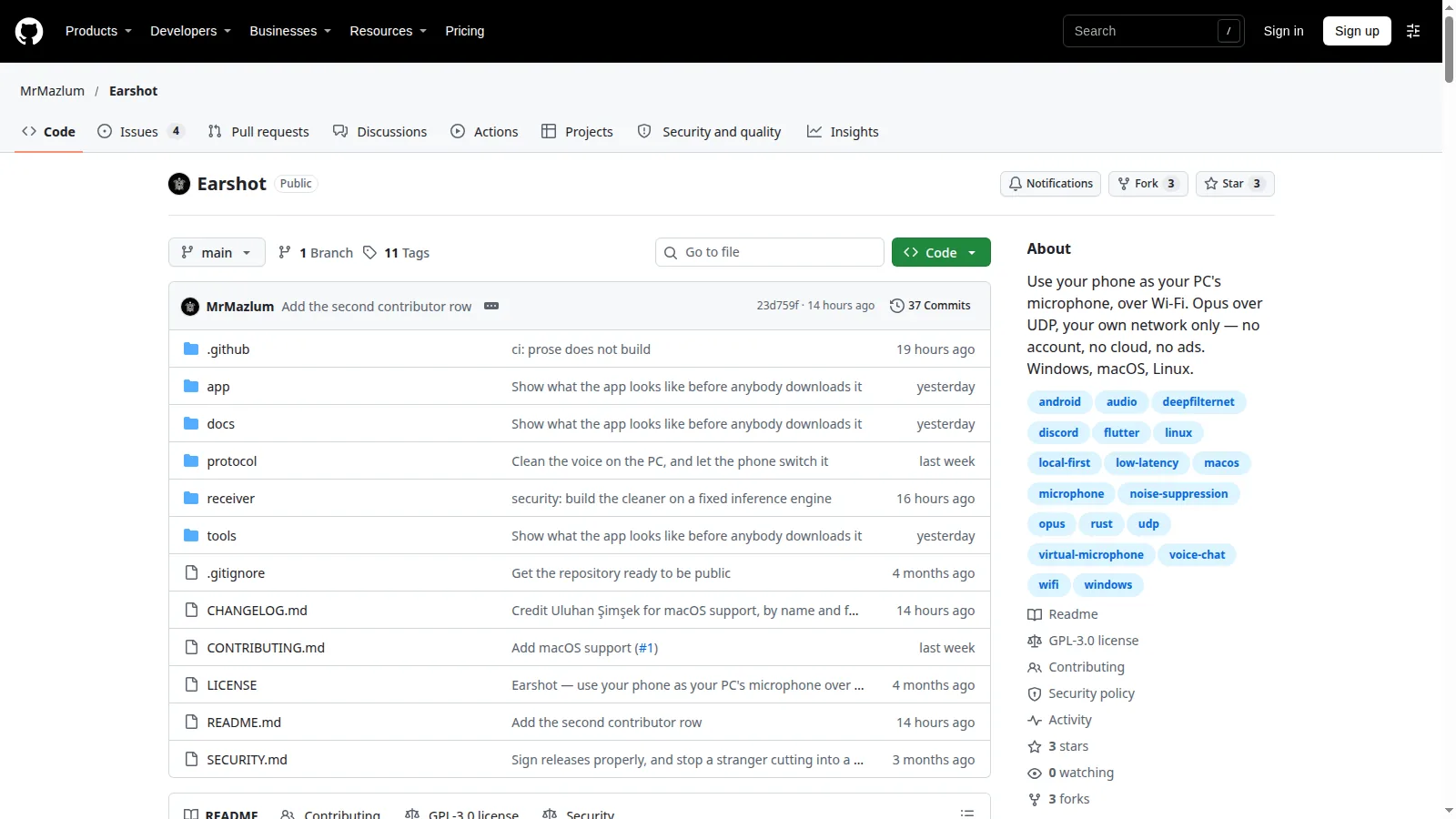
Mazlum’s Earshot is a free, open source app that turns an Android phone into your PC’s microphone over WiFi, with Opus audio over UDP and DeepFilterNet noise suppression on the PC. No account, no cloud, no ads, nothing leaves your home network. For hams who stream, that means wireless voice commentary on shack broadcasts, a roving mic at portable stations, and pass-the-phone interviews at club nights, all without buying a radio headset or a wireless mic system.
TL;DR: Earshot is a free GPL-3.0 app that streams your phone mic to a PC over WiFi as a virtual microphone. Hams can narrate shack live streams in OBS, roam with a wireless mic during portable operations, and record interviews at events, with PC side noise removal included.
What Earshot Is
Earshot is a free and open source system that uses an Android phone as a PC microphone over WiFi: the phone captures and compresses your voice with Opus, sends it over UDP to a small Rust receiver on the PC, which applies DeepFilterNet noise removal and presents it to Windows, macOS or Linux as an ordinary microphone.
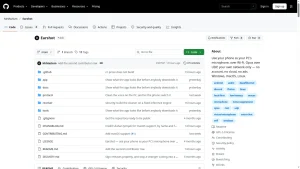
The project lives at MrMazlum/Earshot on GitHub under GPL-3.0, with an Android app written in Flutter, a Rust receiver for all three desktop platforms, and a specified wire protocol so anyone can build another client. Releases ship the sideload APK plus Windows, Linux and macOS receivers. Applications never know the phone exists: Discord, Steam, OBS Studio and Audacity just see a microphone in their input dropdown.
The signal path is short and deliberate: you speak, the phone mic captures, WiFi carries Opus at roughly 32 to 40 kbps, the PC cleans the audio, and the virtual mic feeds your streaming or recording app. Lost packets are skipped, never resent, because waiting would pile delay onto a live voice. The design target is under 100 ms mouth to ear, though the developer is honest that it hasn’t been measured yet, so it isn’t claimed.
Streaming While On Air from the Radio Shack
This is the headline ham use. A shack live stream usually needs two audio ingredients: the radio’s receiver audio and the operator’s voice explaining what is happening. Receiver audio comes from the rig or an SDR program. The voice needs a microphone near the operator, which traditionally means a headset or a desk mic cabled to the streaming PC.
Earshot replaces that cable with the phone already in your pocket:
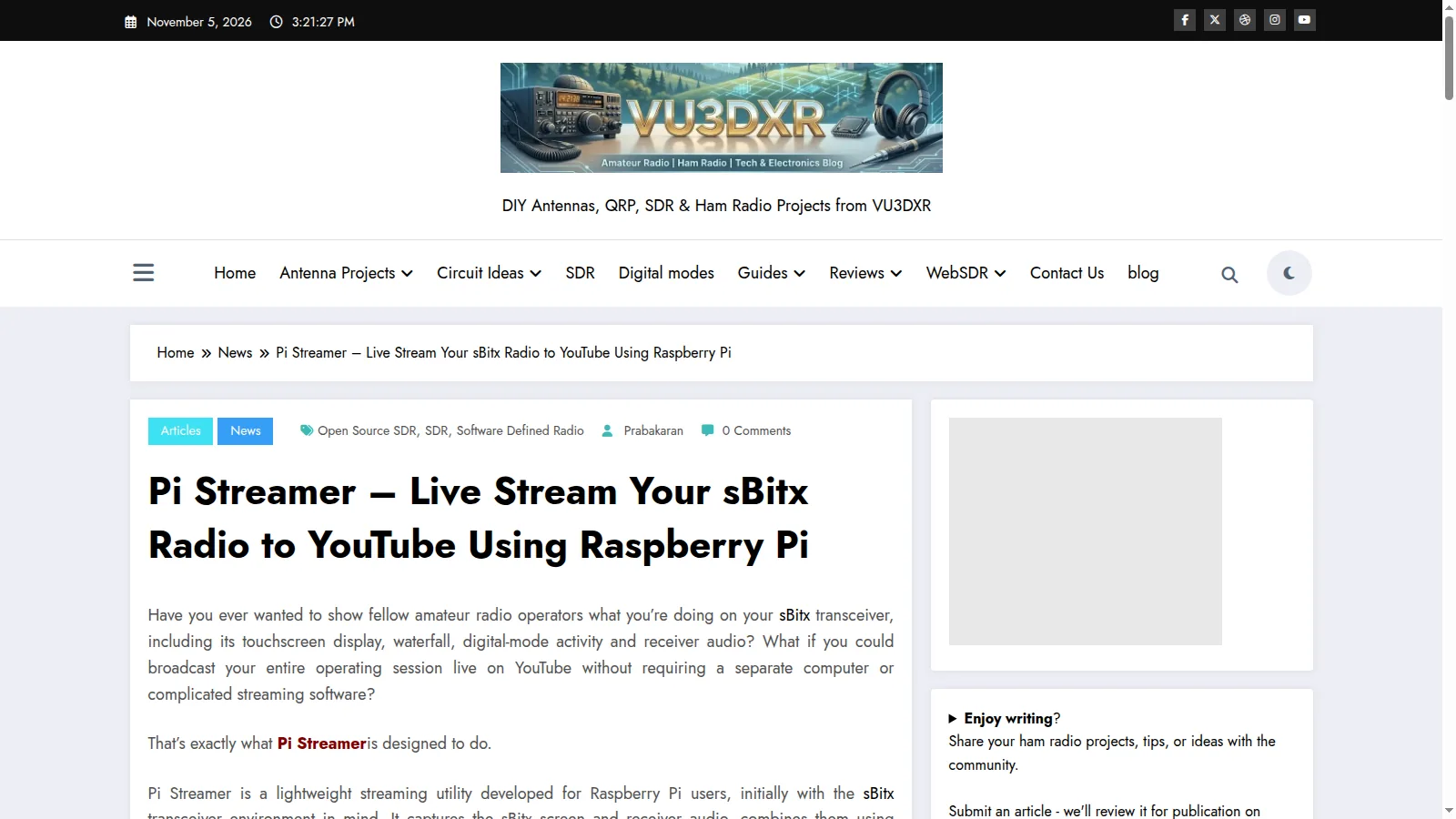
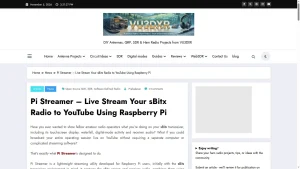
- Wireless commentary on live streams. Select the Earshot input in OBS alongside your receiver audio source and narrate the contact, the pileup or the waterfall while sitting anywhere in the shack. It pairs naturally with a screen capture setup such as the Pi Streamer sBitx workflow: the Pi streams the radio screen while the PC stream gets your voice over Earshot.
- Mic where the action is. Put the phone near the radio speaker during a demonstration so the stream hears both you and the signals, or carry it while adjusting an antenna tuner across the room without going silent.
- No headset fatigue. Multi hour contest or special event streams no longer require wearing a headset the whole time. The phone sits on the desk or in a shirt pocket.
- PC side noise removal. The DeepFilterNet cleaner runs on the PC, stripping fan hum, keyboard clatter and shack background before the audio reaches the stream, at a cost of about 20 ms. A zero delay lighter model is available if every millisecond counts.
Setup order matters: install the receiver, confirm the virtual mic appears, add it as an OBS audio input, test record a minute, and only then go live.
Live Streaming During Portable Operations
Summits, parks and Field Day sites punish every extra cable and every extra box. A phone mic setup collapses to things already on site:
- Roving operator mic. The laptop stays sheltered in the tent running logging and streaming while the operator walks the antenna, checks guy lines or works the mast, still talking to the audience the whole time over the site WiFi or a phone hotspot.
- No Bluetooth quality penalty. Bluetooth hands free mode famously wrecks microphone audio, which is why headset callers sound like drive thru speakers. Earshot uses WiFi and Opus instead, keeping full voice quality.
- Interviews at the mast. Hand the phone to the activator, the new licensee or the curious hiker and capture their words straight into the stream or recording, no mic technique briefing needed.
- Fast teardown. No mic stands, no cables to coil, no batteries to remove from a wireless system. Stop the app and pack the phone.
One practical note from the project docs: guest style WiFi with client isolation blocks device to device traffic outright. At portable sites, join everything to one phone hotspot or one travel router you control, and test the link before the activation starts.
Club Nights, JOTA and Exhibitions
Anywhere a group gathers around radio, a wireless mic that costs nothing multiplies what the audience hears:
- Club presentations. The speaker roams with slides on screen while the phone relays questions from the back row into the recording or the hybrid meeting bridge.
- Pass the phone interviews. Elmers, first time HF operators and visiting hams give thirty second impressions straight into the club’s video or podcast recorder.
- JOTA stations. Scouts cycle through the operating position quickly. A phone mic captures their excited commentary for the station video without re-rigging a headset for every small head.
- Hamfest booths. Demo a rig while walking visitors through what they hear, with your voice and the receiver both landing in the booth’s recorded demo reel.
Podcasts, Videos and Net Recordings
Beyond live work, every ham content creator fights the same battle: clean voice recordings with minimum fuss. Earshot feeds Audacity or any DAW as a normal input, so a roundtable podcast can record each participant on their own phone in the same room with no mixer. Build videos get narration recorded at the workbench while the hands stay on the soldering iron. Net control can archive training sessions with the instructor free to pace the shack.
Earshot vs Other Wireless Mic Options
| Option | Cost | Audio quality | Setup effort | Best for |
|---|---|---|---|---|
| Earshot over WiFi | Free, open source | Full quality Opus, PC noise removal | Low: receiver plus APK, one helper driver on Windows/macOS | Shack streams, portable ops, interviews |
| Bluetooth headset | Own one already | Poor: hands free mode degrades the mic | Trivial | Quick calls, not broadcast |
| Wired desk or headset mic | Low to medium | Excellent | Trivial, but cable tethers you | Fixed shack position |
| Dedicated UHF wireless mic system | High | Excellent | Medium: receiver, transmitter, charging | Professional productions |
| WO Mic and similar phone mic apps | Free or paid tiers | Varies, often ad supported or cloud routed | Low | Casual use where local only operation is not required |
Earshot’s distinctive corner is local only operation with no account and open source on both ends. Nothing is routed through anyone’s cloud, which also means it keeps working when the internet doesn’t, as long as the local WiFi does.
Getting Started
- Fetch the release. From the latest release, take
earshot.apkfor the phone and the receiver archive for your OS. - Install the one helper your OS needs. Linux needs nothing extra. Windows needs the free VB-CABLE Driver Pack (the plain pack, installed as administrator) so the stream can appear as a real input. MacOS needs the free open source BlackHole 2ch driver.
- Run the receiver. No window opens by design; a mic icon appears by the clock or in the menu bar. Blue means waiting for the phone, green means voice is arriving.
- Connect the phone. Install the APK (Android will warn about the unknown developer since it is sideloaded), tap your PC in the auto discovered list, press Start.
- Pick the mic in your app. On Linux it is called Earshot. On Windows pick
CABLE Output, on macOSBlackHole 2ch. In OBS add it as an audio input; in Audacity select it as the recording device. - Open the firewall once. If the phone reports no answer, the PC firewall is almost certainly dropping inbound UDP on port 47811. Add a scoped rule for the private subnet only, and make sure the network profile is Private, not Public.
- Rehearse. Record a minute, listen back on headphones, check sync against any screen capture, then go live.
Honest Limitations
The developer documents these plainly, and they are worth repeating before trusting a live show to a young project:
- Early days. Three stars, three forks, tested by the author on one phone and two PCs. Expect rough edges and report them as issues; that’s how a project like this hardens.
- Audio isn’t encrypted. Voice crosses your WiFi as plain samples. Anyone with your WiFi password can listen in. Fine for a home shack or a controlled field LAN, worth knowing rather than discovering. Encryption is planned but not written.
- No sender authentication. Anything on the network can discover an idle receiver and send it audio. While a phone is streaming, other senders are ignored, but treat the field LAN as trusted and keep it closed.
- Same network only. Phone and PC must share a reachable subnet; discovery knocks on the local network only. VPNs, guest isolation and mobile data break it, though a phone hotspot fixes most field cases.
- Sideload realities. The APK is Play unsigned and debug key signed, and the macOS build isn’t notarized, so both platforms show warnings that must be deliberately bypassed. Building from source with Flutter is documented for the cautious.
- One direction. Phone to PC only. Monitoring the program return feed on the phone would make it a headset, which is explicitly out of scope.
- Closed helper on Windows. VB-CABLE is free but closed source, installed from its vendor site. Linux users avoid this entirely; macOS users get open source BlackHole.
Why It Matters
Good shack audio used to cost money or cables. A wireless mic system runs into real money, and headsets get uncomfortable somewhere around the second hour of a contest stream. Earshot turns the phone every ham already owns into a full quality wireless microphone with studio style noise removal, for the price of ten minutes of setup, and keeps every sample on the local network under an open source license anyone can audit.
Try it on the next club recording night, where the stakes are low and the audience is forgiving. Hand the phone around, listen back, and hear how much more of the evening survives when the microphone can move with the conversation.
Sources and Further Reading
- Earshot source on GitHub
- Earshot latest releases with APK and receivers
- VB-AUDIO Virtual Cable driver
- BlackHole virtual audio driver for macOS
- Opus audio codec
- DeepFilterNet noise suppression
- OBS Studio live streaming
- Audacity audio editor
- Rust programming language
- Flutter UI toolkit
- Pi Streamer sBitx YouTube workflow on HamRadio.my
- Podroid Docker on Android guide on HamRadio.my
73 de 9M2PJU


Post Comment